Description
System Architecture & Operational Principle
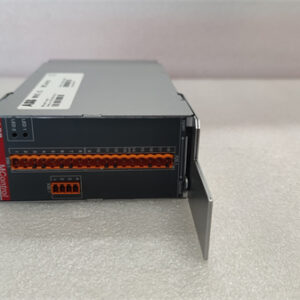
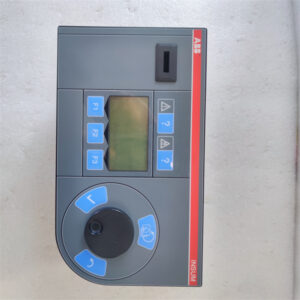
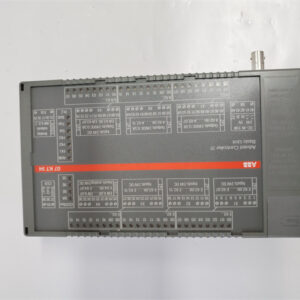
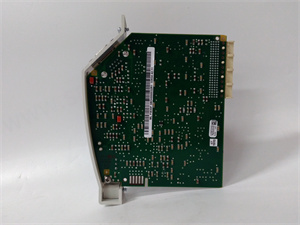
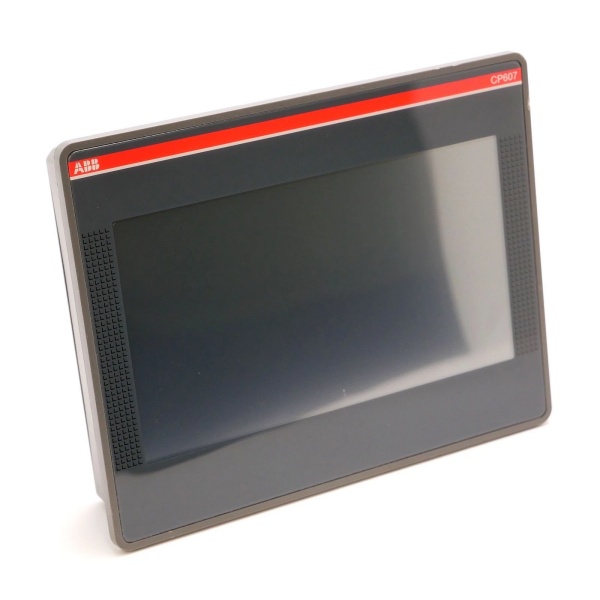
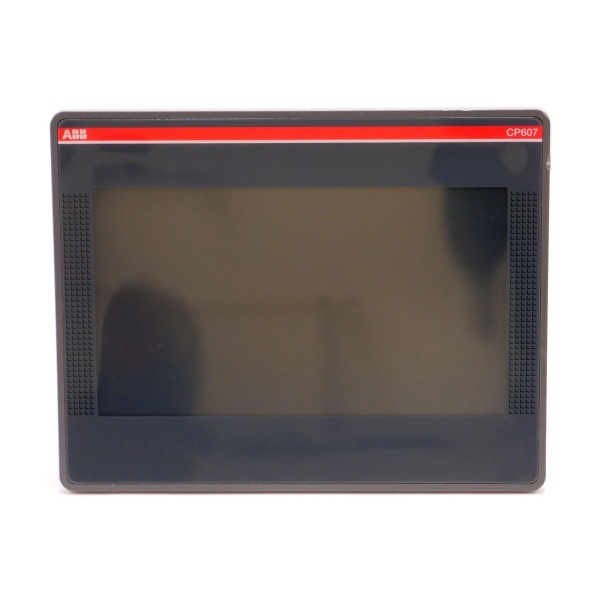
The ABB CP607 1SAP507100R0001 is a 7-inch TFT HMI control panel designed for Level 2 (Control) or Level 3 (Operations) of the Purdue Model, depending on the application. It acts as the primary interface between human operators and industrial automation systems (e.g., PLCs, DCS, or SCADA).
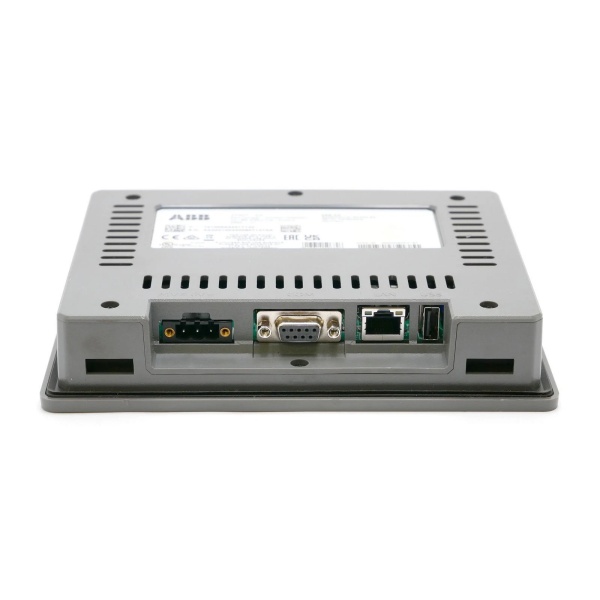
Upstream Communication: Receives real-time data (e.g., process variables, alarm statuses) from controllers (such as ABB AC500 PLCs) via industrial protocols like Modbus TCP or Ethernet/IP. The panel’s Ethernet port (10/100 Mbps) enables high-speed data exchange, while the RS-232/485 ports support legacy devices.
Downstream Interaction: Transmits operator inputs (e.g., setpoint adjustments, start/stop commands) back to the controller using the same protocols. The resistive touch screen (800×480 resolution) provides a直观 graphical interface for monitoring trends, adjusting parameters, and acknowledging alarms.
The CP607’s compact, rugged design (IP66 front protection, -25°C to +60°C operating temperature) makes it suitable for harsh industrial environments (e.g., manufacturing floors, water treatment plants). Its Linux RT operating system and ARM Cortex-A8 processor (300 MHz) ensure responsive performance, even with complex HMI applications. The panel also includes a real-time clock (with supercapacitor backup) for timestamping events and a USB port for easy project updates via a flash drive.
Core Technical Specifications
-
Display: 7″ TFT LCD, resistive touch, 800×480 pixels, 64K colors, 200 cd/m² brightness
-
Processor: ARM Cortex-A8, 300 MHz
-
Memory: 256 MB RAM, 2 GB Flash (user memory: 60 MB for HMI projects)
-
Power Supply: 24V DC (18-32V DC range), <5W power consumption
-
Communication Interfaces: 1x Ethernet (10/100 Mbps), 1x USB Host (V2.0), 1x RS-232/485/422 (software configurable)
-
Environmental Tolerance: 0°C to +50°C operating, -20°C to +70°C storage; IP66 front protection
-
Dimensions: 187 mm (W) x 147 mm (H) x 34 mm (D)
-
Weight: 0.5 kg
-
Certifications: CE, UL, RoHS

ABB CP607
Customer Value & Operational Benefits
Intuitive Operator Experience
The 7-inch TFT touch screen with 800×480 resolution provides a clear, colorful graphical interface for monitoring processes. Operators can quickly navigate through screens to view trends, adjust setpoints, or acknowledge alarms—reducing training time and improving operational efficiency.
Reliable Performance in Harsh Environments
With IP66 front protection and a wide operating temperature range (-25°C to +60°C), the CP607 withstands dust, water splashes, and extreme temperatures. This reliability minimizes downtime due to environmental factors, critical for 24/7 operations like manufacturing or utilities.
Flexible Integration
Supports multiple communication protocols (Modbus TCP, Ethernet/IP, RS-232/485), allowing seamless integration with a wide range of controllers (ABB, Siemens, Allen-Bradley). This flexibility eliminates the need for protocol converters, reducing installation costs and complexity.
Easy Maintenance
The USB port enables quick project updates or backups without removing the panel from the cabinet. The real-time clock with supercapacitor backup retains time/date settings during power outages, reducing the need for frequent recalibration.
Field Engineer’s Notes (From the Trenches)
When installing the CP607, always verify the power supply polarity—reverse voltage can fry the panel’s internal circuitry. I once saw a site where a contractor mixed up the 24V DC terminals, resulting in a dead HMI and a 4-hour downtime. Use a multimeter to confirm the voltage before connecting.Another gotcha: clean the touch screen with a dry, lint-free cloth—avoid chemical cleaners, which can damage the resistive coating. If the screen becomes unresponsive, recalibrate it using the HMI’s built-in utility (accessed via the menu).For communication issues, check the Ethernet cable first—CAT5e or better is required for stable Modbus TCP connections. I’ve fixed countless “no communication” faults by replacing a faulty cable or tightening a loose RJ45 connector.
Real-World Applications
-
Manufacturing Machine Automation:The CP607 is used as the operator interface for a packaging machine controlled by an ABB AC500 PLC. It displays real-time data (e.g., package count, speed) and allows operators to adjust parameters (e.g., conveyor speed) via the touch screen. The IP66 protection ensures it withstands dust and moisture in the factory environment.
-
Water Treatment Plant Monitoring:Installed in a pump station control cabinet, the CP607 communicates with a Siemens S7-200 SMART PLC via Modbus TCP. It shows pump status (e.g., on/off, flow rate) and alarms (e.g., high pressure, low level), enabling operators to respond quickly to issues—reducing the risk of overflow or pump failure.
ABB CP607
High-Frequency Troubleshooting FAQ
Q: What are the common LED indicators on the ABB CP607, and what do they mean?
A: The CP607 has three LEDs on the front panel:
-
Power (Green): On when the panel is receiving 24V DC power.
-
Communication (Yellow): Blinks when data is being transmitted/received via Ethernet or RS-232/485.
-
Fault (Red): On if there’s a communication error (e.g., no connection to the PLC) or a hardware fault (e.g., touch screen failure). Check the HMI’s diagnostic menu for detailed error codes.
Q: Can the ABB CP607 be used with non-ABB PLCs?
A: Yes, the CP607 supports standard industrial protocols like Modbus TCP and RS-232/485, which are compatible with most PLCs (e.g., Siemens, Allen-Bradley, Mitsubishi). For example, to connect to a Siemens S7-200 SMART PLC, use Modbus TCP—configure the HMI as a Modbus client and the PLC as a server.
Q: How do I update the HMI project on the ABB CP607?
A: Use the USB port to transfer the updated project file from a PC to the CP607. Connect a USB flash drive (formatted as FAT32) to the panel’s USB port, then use the HMI’s menu to import the project. The panel will reboot automatically to load the new project.
Q: Why is the CP607’s touch screen unresponsive?
A: First, clean the screen with a dry, lint-free cloth—dust or fingerprints can interfere with the resistive touch layer. If that doesn’t work, recalibrate the screen via the HMI’s menu (Settings > Calibration). If the problem persists, check the USB cable (if using a external keyboard/mouse) or contact ABB support—there may be a hardware fault.
Commercial Availability & Pricing
Please note: The listed price is not the actual final price. It is for reference only and is subject to appropriate negotiation based on current market conditions, quantity, and availability.