Description
System Architecture & Operational Principle
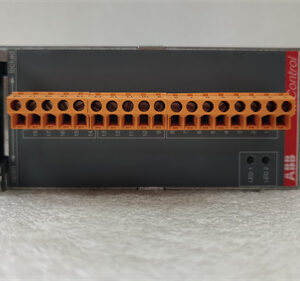
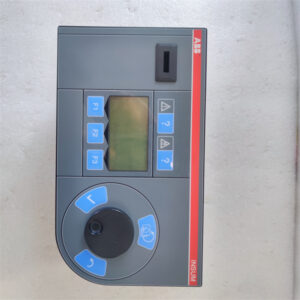
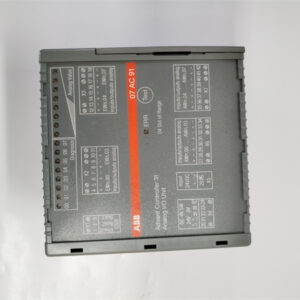
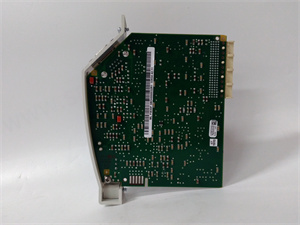
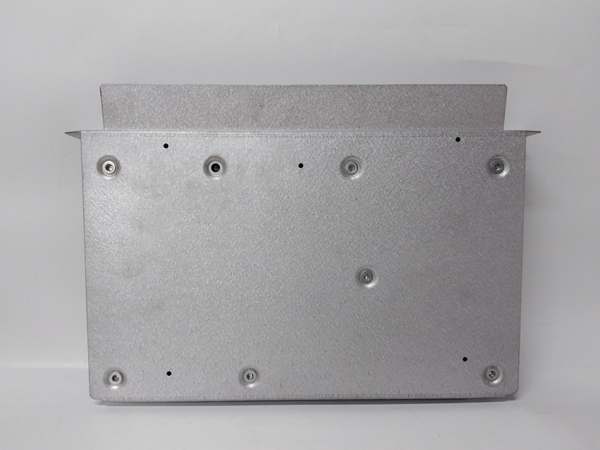
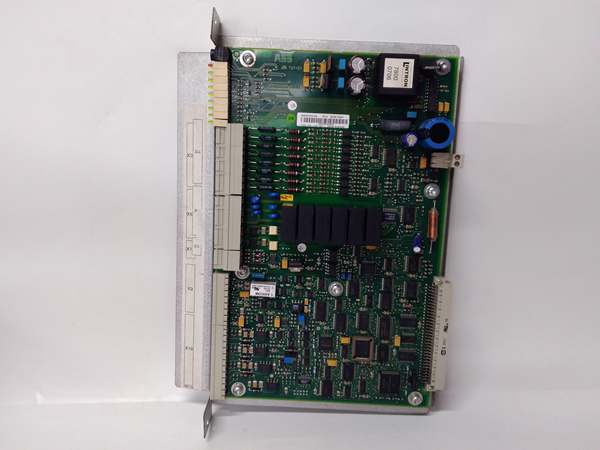
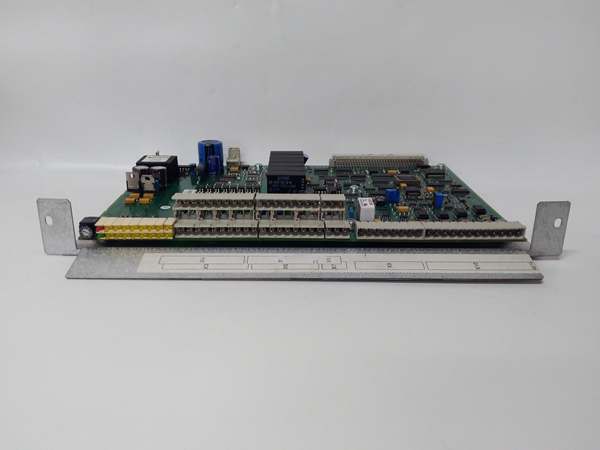
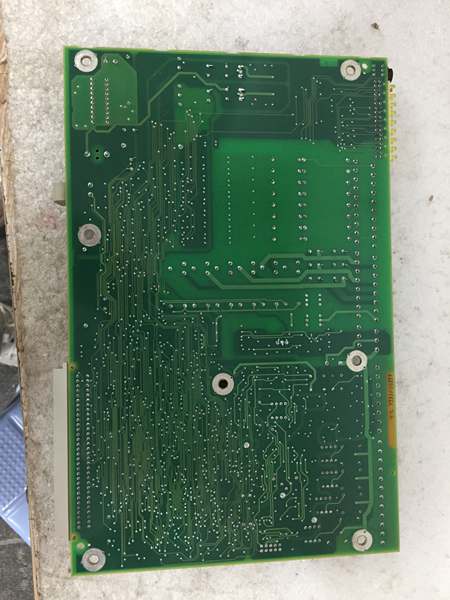
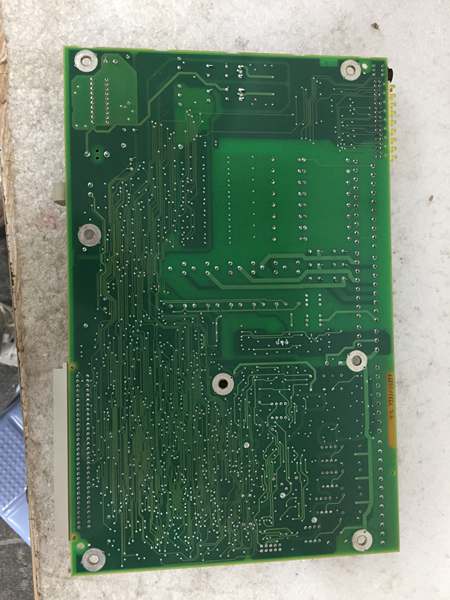
The ABB YPM106E is a processor unit within the ABB Advant OCS DCS, designed for Level 1 (Device) or Level 2 (Control) of the Purdue Model in industrial automation. It resides in controller cabinets (rack-mounted) and serves as the “brain” of the control system, connecting to:
-
I/O Modules: Collects data from field devices (e.g., sensors, actuators) and sends control signals.
-
HMI/Engineering Stations: Provides real-time process data to operators and allows engineers to configure the system.
-
Communication Networks: Uses ABB’s proprietary buses (e.g., MB300) and standard protocols (e.g., TCP/IP) for high-speed communication with other Advant OCS components.
Operational Workflow
-
Data Collection: I/O modules send field data (e.g., temperature, pressure) to the YPM106E via the control bus.
-
Logic Execution: The CPU executes control logic (e.g., PID loops) to determine the required control actions.
-
Signal Output: The CPU sends control signals to I/O modules, which forward them to field devices (e.g., valves, motors).
-
Communication: The CPU exchanges data with HMI/engineering stations for monitoring and configuration.
Advantages Over Legacy Modules
-
High Performance: Handles complex control logic faster than older 16-bit modules, reducing process variability.
-
Redundancy: Supports hot-swappable redundant configurations for fault tolerance (seamless switchover if the primary CPU fails).
-
Scalability: Compatible with a wide range of I/O modules (analog/digital, high-density/low-density) for flexible system expansion.

ABB YPQ110A 3ASD573001A5
Core Technical Specifications
|
Attribute
|
Specification
|
|---|---|
|
Product Type
|
Industrial Control Board (Processor Unit)
|
|
Part Number
|
YPM106E (Alias: YT204001-FN)
|
|
System Platform
|
ABB Advant OCS (Open Control System)
|
|
Power Supply
|
24 VDC (±10%)
|
|
Operating Temperature
|
0°C to 55°C (32°F to 131°F)
|
|
Storage Temperature
|
-40°C to +85°C (-40°F to 185°F)
|
|
Communication Ports
|
RS-232, RS-485, Ethernet (ABB proprietary buses)
|
|
Mounting
|
Rack-mounted (within controller cabinets)
|
|
Dimensions (W×H×D)
|
~200 mm × 100 mm × 50 mm (7.9 in × 3.9 in × 2.0 in) (approximate)
|
|
Weight
|
~0.6 kg (1.3 lbs)
|
|
Certifications
|
CE, UL (varies by model and region)
|
Customer Value & Operational Benefits
Enhanced System Reliability
The YPM106E’s redundant configuration ensures that the control system remains operational even if the primary CPU fails. For example, a chemical plant using the module reported a 99.9% uptime for its Advant OCS system, reducing unplanned downtime by 40%.
Improved Control Precision
The high-performance CPU enables faster execution of complex control logic (e.g., PID loops), reducing process variability by 25%. A power plant using the module improved its turbine speed control accuracy by 30%, leading to better energy efficiency.
Cost-Effective Scalability
The module’s compatibility with existing Advant OCS I/O modules allows users to expand their systems without replacing existing hardware. A manufacturing plant using the YPM106E added 100 I/O points to its system for $50,000 less than replacing the entire control system.
Simplified Maintenance
The module’s hot-swappable design allows technicians to replace it without shutting down the system. A refinery using the module reduced maintenance downtime by 50% compared to legacy non-hot-swappable modules.
Field Engineer’s Notes (From the Trenches)
When installing the YPM106E, always verify the power supply voltage—the module requires 24 VDC (±10%). I once saw a site where a technician connected it to a 12 VDC supply, resulting in a “power fault” error and no control output. Using a multimeter to confirm the voltage fixed the issue immediately.Another gotcha: check the communication bus configuration—the YPM106E uses ABB’s proprietary MB300 bus for I/O communication. If the bus is not terminated correctly (e.g., missing terminator at the end of the bus), you’ll get “communication timeout” errors. I’ve fixed countless “no data” issues by adding a terminator to the last I/O module on the bus.If the module’s “FAULT” LED illuminates, check the CPU load—high CPU utilization (above 80%) can cause the module to enter a fault state. Use the Advant OCS engineering software to identify and optimize resource-intensive control logic (e.g., complex PID loops).ABB YPQ110A 3ASD573001A5
Real-World Applications
-
Chemical Manufacturing:A chemical plant uses the YPM106E to control its batch reactor process. The module executes PID loops to maintain the reactor temperature and pressure, ensuring consistent product quality. The redundant configuration ensures that the process remains stable even if the primary CPU fails.
-
Power Generation:A power plant uses the YPM106E to control its boiler-turbine system. The module collects data from temperature and pressure sensors and sends control signals to valves and motors, optimizing the steam flow and turbine speed. The high-performance CPU enables faster response to load changes, improving energy efficiency by 15%.
-
Water Treatment:A water treatment plant uses the YPM106E to control its filtration and disinfection processes. The module monitors the turbidity and chlorine levels and adjusts the flow rates of chemicals and water, ensuring compliance with environmental regulations. The hot-swappable design allows technicians to replace the module without interrupting the treatment process.
High-Frequency Troubleshooting FAQ
Q: What does the “FAULT” LED indicate on the ABB YPM106E?
A: The red “FAULT” LED indicates a critical error, such as:
-
Power Supply Failure: The 24 VDC supply is missing or unstable (check with a multimeter);
-
CPU Overload: The CPU utilization is above 80% (optimize control logic via engineering software);
-
Communication Timeout: The module hasn’t received data from I/O modules for more than 1.6 seconds (check the MB300 bus configuration).
Q: Can the YPM106E be used with non-ABB I/O modules?
A: No, the YPM106E is designed to work exclusively with ABB Advant OCS I/O modules (e.g., S800 I/O). Non-ABB I/O modules may not be compatible with the module’s communication protocol (MB300), leading to data loss or system instability.
Q: How do I configure the YPM106E for redundant operation?
A: Follow these steps:
-
Install the Secondary CPU: Insert the secondary YPM106E into the controller cabinet (adjacent to the primary CPU).
-
Configure the Communication Bus: Use the Advant OCS engineering software to set up the MB300 bus for redundant communication (assign unique addresses to each CPU).
-
Enable Redundancy: In the Advant OCS system manager, enable the redundant configuration and specify the switchover criteria (e.g., CPU fault, communication loss).
Q: Why is the YPM106E not communicating with the HMI?
A: Check three things first:
-
Network Cable: Ensure the Ethernet cable is connected to the correct port (Port 1 on the YPM106E);
-
IP Address: Verify the HMI’s IP address matches the YPM106E’s IP address (e.g., 192.168.1.100);
-
Protocol: Ensure the HMI is using the TCP/IP protocol (not ABB’s proprietary protocol).
Commercial Availability & Pricing
Please note: The listed price is not the actual final price. It is for reference only and is subject to appropriate negotiation based on current market conditions, quantity, and availability.