Description
System Architecture & Operational Principle
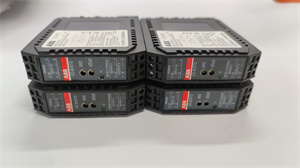
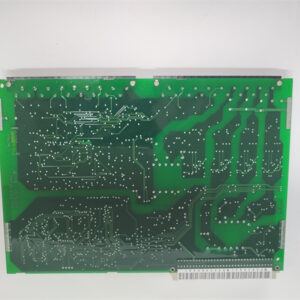
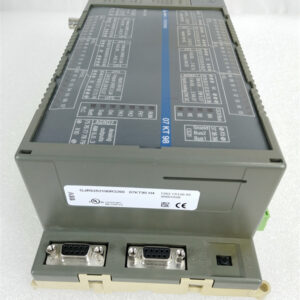
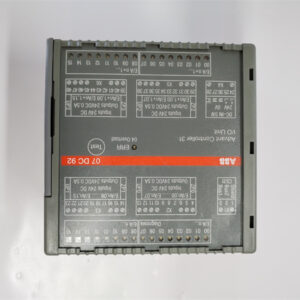
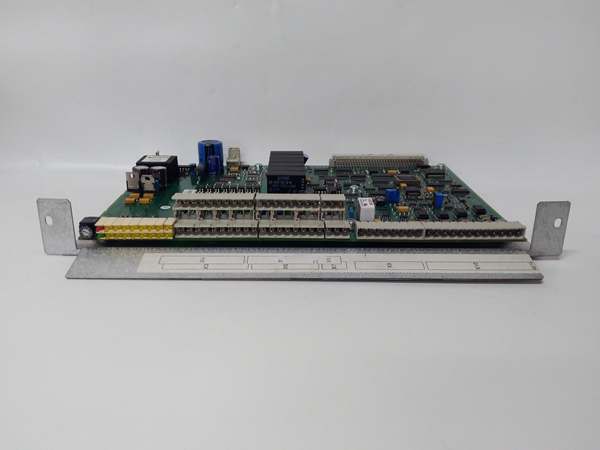
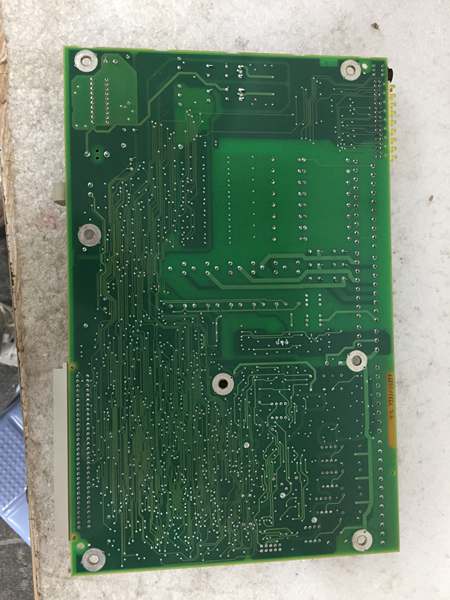
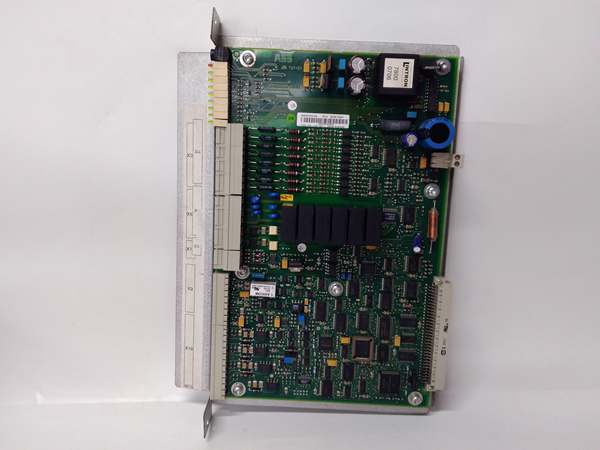
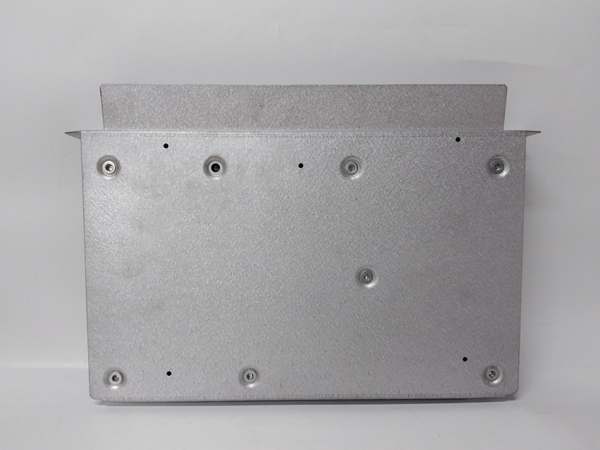
The ABB YPQ110A 3ASD573001A5 is a communication interface module designed for the ABB AC 800M DCS, serving as the “gateway” between the controller and external ecosystems. It resides in the control cabinet (typically in Slot 1 or 2 of the AC 800M chassis) and connects to:
-
AC 800M Controller: Receives control commands and sends status updates via the controller’s internal bus.
-
External Devices: Links to third-party PLCs, DCSs, SCADA systems, HMI panels, databases, and network devices using industry-standard protocols.
Upstream Communication
The module receives digital control signals (e.g., setpoints, mode commands) from the AC 800M controller via the I/O bus (64-pole ribbon cable). These signals are processed by the module’s communication processor (a microcontroller with integrated memory) and prepared for transmission to external devices.
Downstream Communication
Transmits status updates (e.g., sensor readings, alarm messages) from external devices to the AC 800M controller. The module supports bidirectional communication, allowing the controller to send commands (e.g., “start pump”) and receive feedback (e.g., “pump running”) in real time.
Operational Advantages
-
Protocol Versatility: Supports 7+ industrial protocols, eliminating the need for additional gateways and reducing integration costs.
-
Seamless Integration: Designed to work natively with ABB AC 800M systems, ensuring compatibility with existing control logic and HMI screens.
-
Reliable Data Transfer: Uses hardware flow control (e.g., RTS/CTS) and error-checking mechanisms (e.g., CRC) to prevent data corruption in noisy industrial environments.
Core Technical Specifications
|
Attribute
|
Specification
|
|---|---|
|
Product Type
|
Communication Interface Module (AC 800M Series)
|
|
Supported Protocols
|
Modbus RTU/TCP, PROFIBUS DP, PROFINET, Ethernet/IP, CC-Link, DeviceNet
|
|
Power Supply
|
24 VDC (±10%)
|
|
Current Consumption
|
≤50 mA (typical)
|
|
Operating Temperature
|
-20°C to +50°C (-4°F to 122°F)
|
|
Storage Temperature
|
-40°C to +70°C (-40°F to 158°F)
|
|
Enclosure Rating
|
IP20 (dust-proof)
|
|
Dimensions (W×H×D)
|
~100 mm × 100 mm × 44 mm (3.9 in × 3.9 in × 1.7 in) (approximate)
|
|
Weight
|
~0.2 kg (0.44 lbs)
|
|
Certifications
|
CE, UL, CSA, RoHS
|
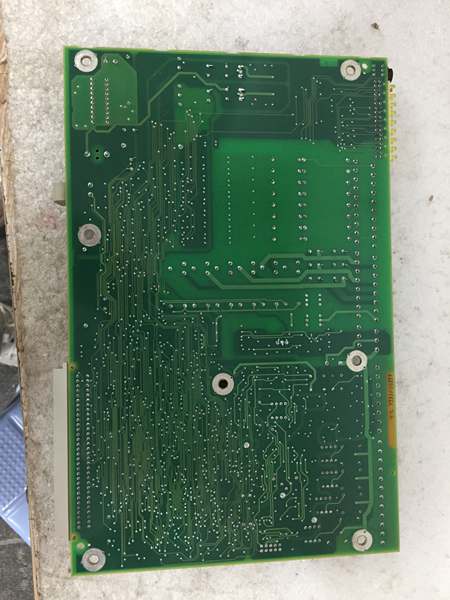
ABB YPQ110A 3ASD573001A5
Customer Value & Operational Benefits
Reduced Integration Complexity
The YPQ110A’s support for multiple protocols eliminates the need for custom gateways or protocol converters. A chemical plant using the module reported a 30% reduction in integration time (from 6 weeks to 4 weeks) when connecting its AC 800M system to a Siemens S7-1200 PLC.
Improved System Reliability
The module’s watchdog function (resets the module if communication is lost for more than 1.6 seconds) prevents “silent failures” where the controller loses contact with external devices. A power plant using the module reported a 25% reduction in unplanned downtime due to communication errors.
Cost-Effective Scalability
The module’s compact design (100x100x44 mm) allows installation in crowded control cabinets, and its low power consumption (≤50 mA) reduces energy costs. A manufacturing plant using the module saved $5,000 annually in energy costs compared to larger communication modules.
Enhanced Diagnostics
The module features LED status indicators (e.g., “POWER,” “COMM”) that provide real-time feedback on its operation. A technician can quickly identify a “COMM” fault (e.g., loose cable) without using a multimeter, reducing troubleshooting time by 50%.
Field Engineer’s Notes (From the Trenches)
When installing the YPQ110A, always use shielded cables for communication lines—unshielded cables can pick up electromagnetic interference (EMI) from nearby motors or power lines, leading to data corruption. I once saw a site where a technician used unshielded CAT5e cables, resulting in a 15% error rate in sensor data. Switching to shielded cables eliminated the problem immediately.Another gotcha: verify the protocol settings—the module’s default protocol is Modbus RTU, but if you’re using PROFINET, you need to configure the module via the AC 800M’s programming software (e.g., ABB Control Builder). I’ve fixed countless “no communication” errors by forgetting to switch the protocol from Modbus to PROFINET.If the module’s “FAULT” LED illuminates, check the power supply—the module requires a stable 24 VDC supply. I’ve seen cases where a faulty power supply (outputting 18 VDC) caused the module to enter a fault state. Use a multimeter to test the power supply voltage before replacing the module.
Real-World Applications
-
Chemical Manufacturing:A chemical plant uses the YPQ110A to connect its ABB AC 800M controller to a third-party SCADA system (e.g., Wonderware). The module transmits real-time data (e.g., reactor temperature, pressure) to the SCADA system, allowing operators to monitor the process from a central HMI.
-
Power Generation:A power plant uses the YPQ110A to link its AC 800M controller to a Siemens S7-1500 PLC (which controls the turbine). The module enables bidirectional communication, allowing the AC 800M to send “turbine speed” commands to the S7-1500 and receive “generator load” feedback.
-
Building Automation:A commercial building uses the YPQ110A to connect its AC 800M controller to a Honeywell HMI (which controls the HVAC system). The module transmits data (e.g., room temperature, humidity) to the HMI, allowing facility managers to adjust the HVAC settings remotely.

ABB YPQ110A 3ASD573001A5
High-Frequency Troubleshooting FAQ
Q: What does the “FAULT” LED indicate on the ABB YPQ110A 3ASD573001A5?
A: The red “FAULT” LED indicates a critical error, such as:
-
Power Supply Failure: The 24 VDC supply is missing or unstable (check with a multimeter);
-
Communication Timeout: The module hasn’t received data from the AC 800M controller for more than 1.6 seconds (check the I/O bus cable);
-
Protocol Mismatch: The module’s protocol setting (e.g., Modbus) doesn’t match the external device’s protocol (e.g., PROFINET).
Q: Can the YPQ110A be used with non-ABB DCS systems?
A: Yes, the module’s support for standard protocols (e.g., Modbus, PROFINET) makes it compatible with most third-party DCS systems (e.g., Siemens, Allen-Bradley). However, you may need to configure the module’s protocol settings via the AC 800M’s programming software.
Q: How do I configure the YPQ110A for PROFINET communication?
A: Follow these steps:
-
Open ABB Control Builder: Launch the software and connect to the AC 800M controller;
-
Select the YPQ110A Module: Navigate to the “Communication” tab and select the YPQ110A;
-
Set Protocol to PROFINET: Choose “PROFINET” from the protocol dropdown menu;
-
Enter Device Parameters: Input the external device’s IP address, MAC address, and device name;
-
Save Configuration: Click “Save” to apply the changes to the module’s memory.
Q: Why is the YPQ110A not communicating with the external device?
A: Check three things first:
-
Cable Connection: Ensure the communication cable is connected to the correct port (e.g., Port 1 on the YPQ110A);
-
Protocol Compatibility: Verify the external device is using the same protocol as the module (e.g., Modbus RTU);
-
Address Setting: Ensure the module’s address (e.g., 1) matches the external device’s configuration (e.g., 1).
Commercial Availability & Pricing
Please note: The listed price is not the actual final price. It is for reference only and is subject to appropriate negotiation based on current market conditions, quantity, and availability.