Description
System Architecture & Operational Principle
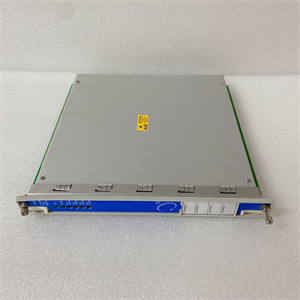
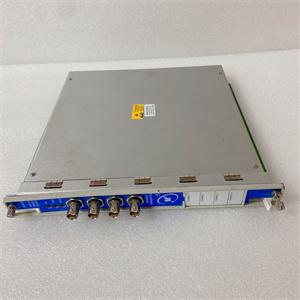
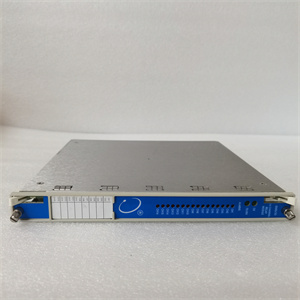
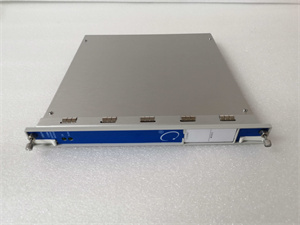
The Bently 3500/92-05-GCN is a communication gateway module within the Bently Nevada 3500 Series Machinery Protection System, designed for Level 1 (Device) or Level 2 (Control) of the Purdue Model in industrial automation. It resides in the 3500 Series rack (typically in a dedicated communication slot) and serves as the bridge between internal 3500 modules (e.g., 3500/40M vibration monitors, 3500/32 relay modules) and external control systems (e.g., Emerson DeltaV, Siemens S7-1500 PLCs).
Upstream Communication
Receives raw data from 3500 Series monitor modules via the rack’s backplane. This data includes:
-
Process Variables: Vibration amplitude, shaft displacement, speed, and temperature.
-
Alarm Statuses: Triggers from monitor modules (e.g., “vibration exceed trip threshold”).
-
Event Logs: Timestamped records of faults or maintenance activities.
Downstream Communication
Transmits processed data to external systems using standard industrial protocols:
-
Modbus TCP/IP: For integration with Ethernet-based DCS/SCADA systems.
-
Modbus RTU: For legacy serial devices (e.g., older PLCs).
-
Bently Proprietary Protocol: For communication with Bently’s own configuration software (e.g., 3500 Rack Configuration Software).
The module also receives control commands from external systems (e.g., “reset alarm” or “adjust setpoint”) and forwards them to the appropriate 3500 modules.
Operational Advantages
-
Protocol Flexibility: Supports multiple communication protocols, eliminating the need for custom gateways.
-
Compact Design: Fits easily into the 3500 Series rack, minimizing cabinet space requirements.
-
Hot-Swappable: Can be replaced without shutting down the 3500 system, reducing downtime during maintenance.

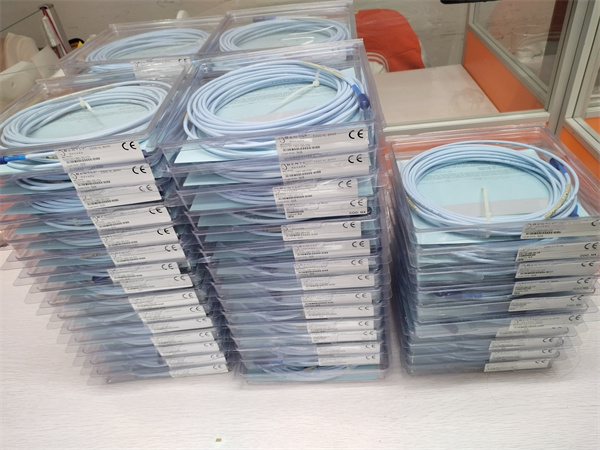
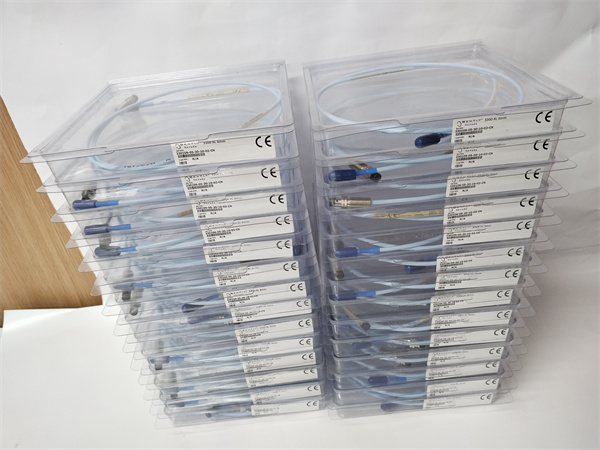
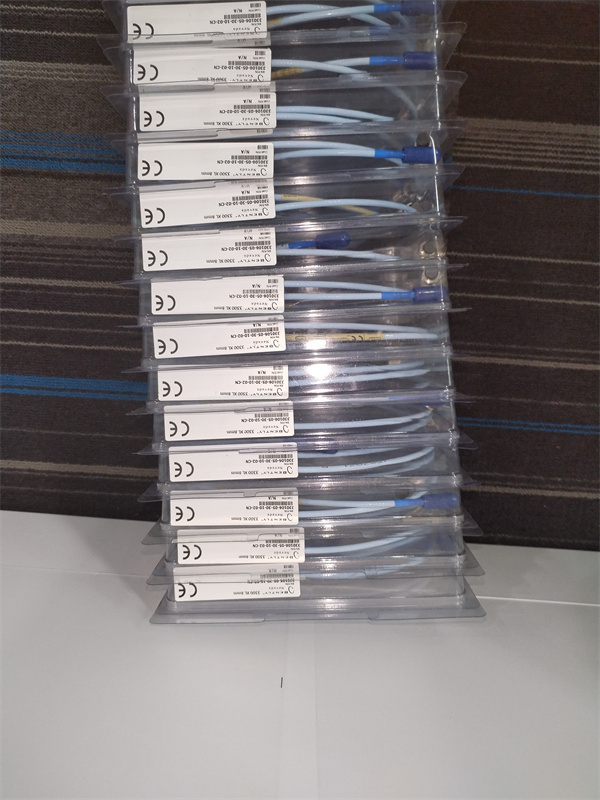
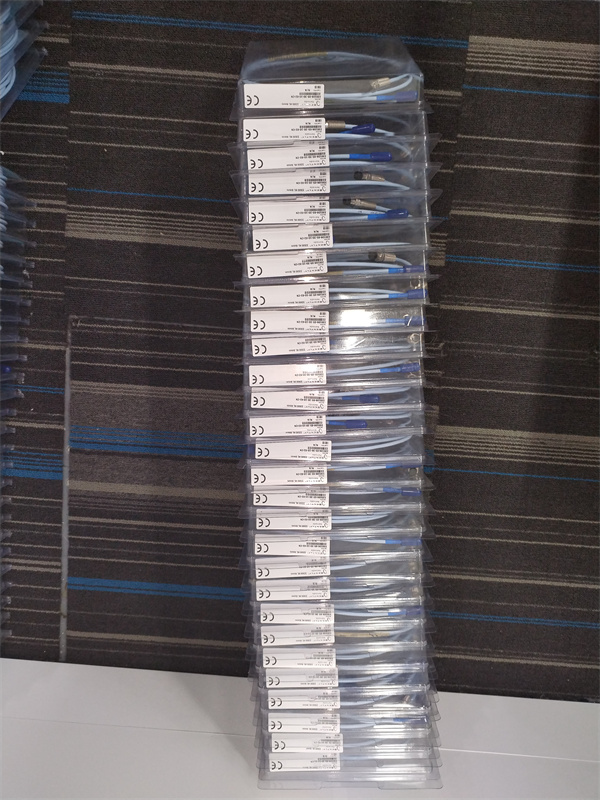
BENTLEY 330130-080-00-CN
Core Technical Specifications
|
Attribute
|
Specification
|
|---|---|
|
Communication Protocols
|
Modbus TCP/IP, Modbus RTU, Bently Nevada Proprietary Protocol
|
|
Interfaces
|
1x Ethernet (10/100 Mbps, RJ45); 1x RS-232/RS-422 Serial Port
|
|
Power Supply
|
24 VDC (±10%, from 3500 rack)
|
|
Power Consumption
|
Typical: <5W; Max: 10W
|
|
Operating Temperature
|
-40°C to +65°C (-40°F to 149°F)
|
|
Storage Temperature
|
-50°C to +85°C (-58°F to 185°F)
|
|
Dimensions (W×H×D)
|
241.3 mm × 24.4 mm × 99.1 mm (9.5 in × 0.96 in × 3.9 in)
|
|
Weight
|
~0.44 kg (0.97 lbs)
|
|
Certifications
|
CE, UL, CSA
|
|
Data Transfer Rate
|
Configurable (up to 1 Mbps for Ethernet; up to 115.2 kbps for Serial)
|
Customer Value & Operational Benefits
Seamless Integration with External Systems
The 3500/92-05-GCN’s support for standard protocols (Modbus TCP/IP, Modbus RTU) allows it to integrate with almost any DCS/SCADA system, reducing the need for custom software or hardware. For example, a power plant can connect the module to a Siemens S7-1500 PLC via Modbus TCP/IP to monitor turbine vibration data in real time.
Reduced Downtime with Hot-Swappable Design
The module can be replaced without shutting down the 3500 system, minimizing production losses during maintenance. This is critical for 24/7 operations like oil & gas production, where even a short outage can result in significant costs.
Enhanced Remote Monitoring
By transmitting data to external systems, the module enables remote monitoring of machinery health. Engineers can access real-time data from anywhere in the world, allowing them to respond quickly to faults (e.g., a sudden increase in vibration) and prevent catastrophic failures.
Cost-Effective Solution
The 3500/92-05-GCN is a cost-effective alternative to custom communication solutions. Its compact design and protocol flexibility reduce integration time and costs, making it a popular choice for facilities looking to upgrade their automation systems.
Field Engineer’s Notes (From the Trenches)
When installing the 3500/92-05-GCN, always verify the power supply voltage—the module requires 24 VDC from the 3500 rack. I once saw a site where a contractor connected the module to a 120 VAC supply, resulting in a fried power supply and a 4-hour downtime. Use a multimeter to confirm the voltage before plugging in the module.Another gotcha: ground the module properly—the 3500 system’s IP65 rating requires a proper ground connection to protect against electric shock and EMI. I’ve fixed countless “ghost” faults (e.g., random communication drops) by ensuring the module’s ground wire is connected to the cabinet’s earth ground.If the module’s “TX/RX” LED is not blinking, check the communication cable—loose or faulty cables are a common cause of communication failures. Use a cable tester to verify continuity between the module and the external system.BENTLEY 330130-080-00-CN
Real-World Applications
-
Power Generation: Steam Turbine MonitoringA coal-fired power plant uses the 3500/92-05-GCN to connect its 3500 system to a Siemens S7-1500 PLC. The module transmits real-time vibration data from 3500/40M monitors to the PLC, which triggers an alarm if vibration exceeds the trip threshold. The PLC also sends control commands (e.g., “reset alarm”) to the 3500 system via the module.
-
Oil & Gas: Centrifugal Compressor ProtectionAn offshore oil platform uses the 3500/92-05-GCN to connect its 3500 system to a Yokogawa DCS. The module transmits data from 3500/45 position monitors to the DCS, which displays the compressor’s shaft displacement in real time. If the displacement exceeds the limit, the DCS sends a shutdown command to the compressor via the module.
High-Frequency Troubleshooting FAQ
Q: What does the “OK” LED indicate on the 3500/92-05-GCN?
A: The green “OK” LED indicates that the module is receiving power and communicating with the 3500 rack. If it’s off, check the rack’s power supply (3500/15) and the module’s connection to the backplane.
Q: Can the 3500/92-05-GCN be used with non-Bently systems?
A: Yes, the module supports standard protocols (Modbus TCP/IP, Modbus RTU), making it compatible with most DCS/SCADA systems (e.g., Siemens, Emerson, Yokogawa).
Q: How do I configure the communication protocol?
A: Use the 3500 Rack Configuration Software to select the desired protocol (Modbus TCP/IP, Modbus RTU, or Bently Proprietary). You can also configure the IP address, baud rate, and other parameters via the software.
Q: Why is the 3500/92-05-GCN not communicating with the DCS?
A: Check three things first:
-
Cable Connection: Ensure the Ethernet or serial cable is securely connected to the module and the DCS.
-
Protocol Configuration: Verify that the DCS is configured for the same protocol as the module (e.g., Modbus TCP/IP).
-
IP Address: Ensure the module’s IP address is correct and within the DCS’s subnet.
Commercial Availability & Pricing
Please note: The listed price is not the actual final price. It is for reference only and is subject to appropriate negotiation based on current market conditions, quantity, and availability.