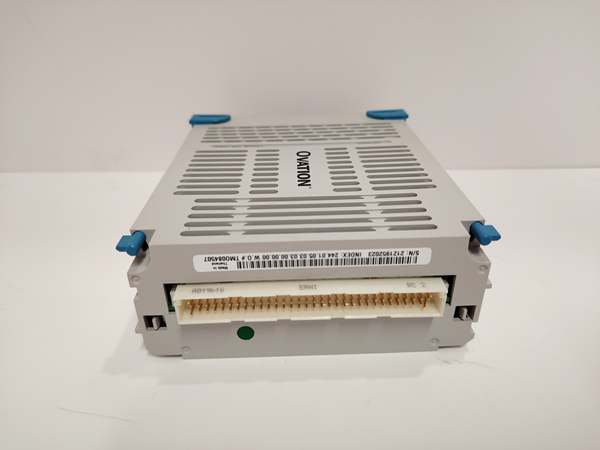
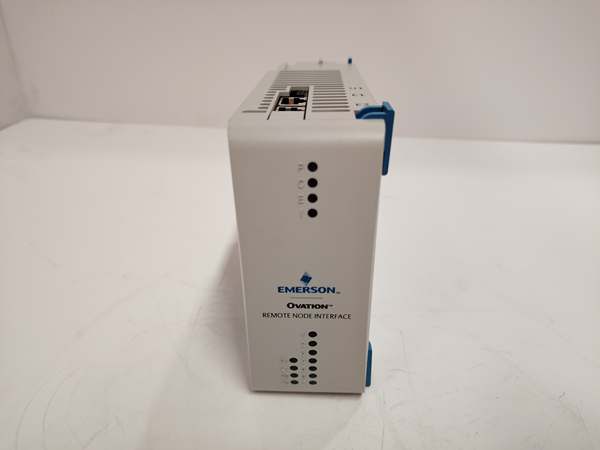
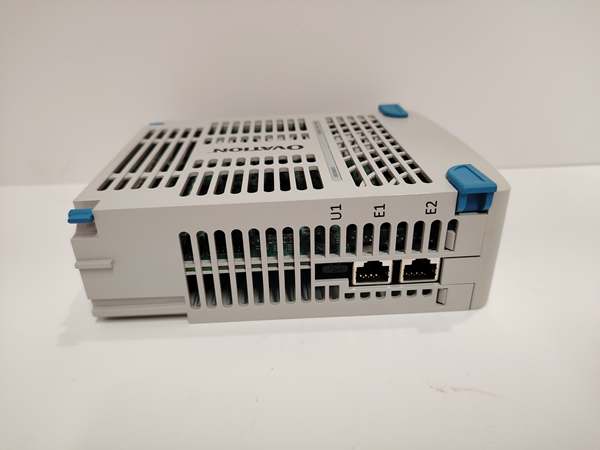
Description
System Architecture & Operational Principle
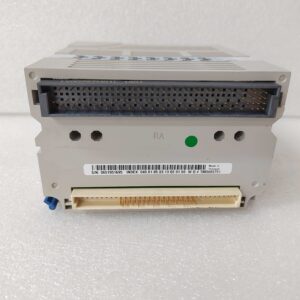
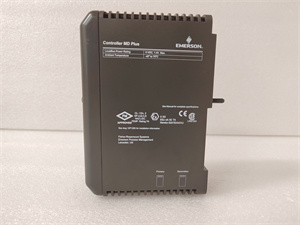
The Emerson 5X00453G01 is a 32-channel digital input module within the Emerson Ovation DCS, designed for Level 1 (Device) or Level 2 (Control) of the Purdue Model in industrial automation. It resides in the Ovation rack (typically in Slots 3–14, adjacent to relay or communication modules) and serves as the bridge between field devices (e.g., limit switches, proximity switches) and Ovation controllers (e.g., Ovation C300).
Upstream Communication
Receives raw dry contact signals from up to 32 field devices via the Ovation rack’s backplane. These signals are generated by mechanical switches or relays that close/open based on process conditions (e.g., a limit switch triggered by a moving part).
Downstream Communication
Transmits processed digital signals to Ovation controllers, which interpret the signals to trigger actions (e.g., starting a motor, stopping a pump) or generate alarms (e.g., “limit switch activated”). The module’s 1500 V RMS isolation between channels and ground protects the DCS from electrical surges or faults.
Operational Advantages
-
High Channel Density: 32 channels per module maximize the Ovation rack’s footprint efficiency, reducing the number of modules needed for complex control tasks.
-
Hot-Swappable Design: Can be replaced without shutting down the Ovation system, minimizing downtime during maintenance.
-
Dry Contact Flexibility: Supports mechanical switches and relays, eliminating the need for external power supplies for field devices.
Core Technical Specifications
|
Attribute
|
Specification
|
|---|---|
|
Channel Count
|
32 independent dry contact inputs
|
|
Input Type
|
Dry contact (mechanical switch/relay)
|
|
Input Voltage
|
24 VDC (nominal, 18–30 VDC acceptable)
|
|
Isolation
|
1500 V RMS channel-to-channel, 1500 V RMS channel-to-ground
|
|
Response Time
|
≤10 ms (typical)
|
|
Power Supply
|
Powered via Ovation rack backplane (12 VDC local bus, 24 VDC field bus)
|
|
Operating Temperature
|
-40°C to +70°C (-40°F to 158°F)
|
|
Storage Temperature
|
-40°C to +85°C (-40°F to 185°F)
|
|
Dimensions (W×H×D)
|
120 mm × 45 mm × 130 mm (4.72 in × 1.77 in × 5.12 in)
|
|
Weight
|
0.132 kg (0.29 lbs)
|
|
Certifications
|
CE, UL, ATEX Zone 2 (hazardous locations), IECEx
|
|
Compatibility
|
Ovation Series carriers; works with Ovation C300 controllers
|
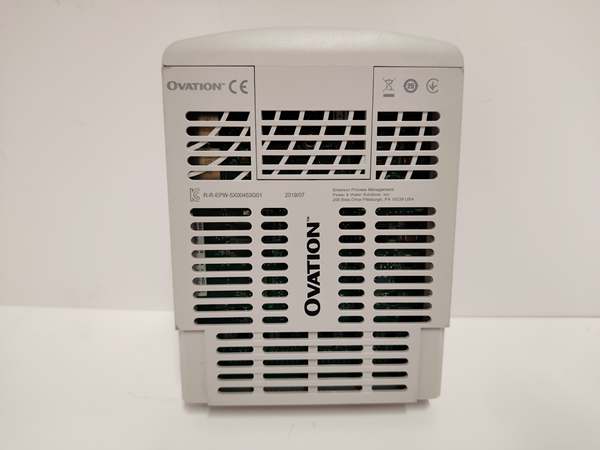
Emerson 5X00453G01
Customer Value & Operational Benefits
Enhanced Process Reliability
The 5X00453G01’s high-precision dry contact inputs enable accurate monitoring of field devices, reducing false alarms and ensuring reliable process control. For example, a power plant using the module to monitor turbine limit switches can detect over-speed conditions and trigger an emergency shutdown before damage occurs.
Reduced Downtime with Hot-Swappable Design
The module can be replaced without shutting down the Ovation system, minimizing production losses during maintenance. This is critical for 24/7 operations like oil & gas production, where even a short outage can result in significant costs.
Cost-Effective Solution
The 32-channel design reduces the number of modules needed, saving cabinet space and installation costs. Additionally, the module’s compatibility with Ovation systems eliminates the need for custom wiring or protocol converters.
Compliance with Industry Standards
The module’s certifications (CE, UL, ATEX) ensure it meets the rigorous requirements of industries like oil & gas, power generation, and chemical processing. This compliance is essential for facilities seeking to adhere to regulatory or corporate safety standards.
Field Engineer’s Notes (From the Trenches)
When installing the 5X00453G01, always verify the carrier keying—the module uses a rotary keying system to ensure compatibility with Ovation carriers. I once saw a site where a contractor used a non-keyed carrier, resulting in bent pins and a 2-hour downtime. Use the Ovation Rack Layout Guide to confirm the correct carrier type.Another gotcha: check the dry contact wiring—loose or reversed wires are a common cause of faults. Use a multimeter to test for continuity between the field device and the module’s input terminals. Also, ensure the module’s shield is grounded to the Ovation rack’s earth ground to reduce EMI.If the module’s “FAULT” LED is red, check the isolation voltage—the module’s isolation barriers can fail if exposed to overvoltage. Use a megohmmeter to test the isolation resistance (should be ≥100 MΩ).
Real-World Applications
-
Power Generation: Turbine Limit Switch MonitoringA coal-fired power plant uses the 5X00453G01 to monitor 32 limit switches on a steam turbine. The module transmits signals to an Ovation C300 controller, which triggers an emergency shutdown if any limit switch is activated (e.g., overspeed).
-
Oil & Gas: Pipeline Valve InterlockAn offshore oil platform uses the 5X00453G01 to monitor 32 valve position switches on a pipeline. The module sends signals to an Ovation controller, which interlocks the valves to prevent over-pressurization.

Emerson 5X00453G01
High-Frequency Troubleshooting FAQ
Q: What does the “FAULT” LED indicate on the 5X00453G01?
A: The red “FAULT” LED indicates a critical error, such as:
-
Isolation Failure: The module’s isolation barriers have failed (test with a megohmmeter).
-
Overvoltage: The input voltage exceeds 30 VDC (check the field device’s power supply).
-
Channel Short: A channel is shorted to ground (use a multimeter to test for continuity).Check the Ovation Rack Configuration Software for detailed fault codes and follow the manufacturer’s troubleshooting steps.
Q: Can the 5X00453G01 be used with non-Ovation systems?
A: No, the module is designed exclusively for Emerson Ovation systems. It relies on the Ovation rack’s backplane for power and communication, so using it with non-Ovation systems will result in compatibility issues.
Q: How do I replace the 5X00453G01?
A: Follow these steps:
-
Power Down: Turn off the Ovation rack’s main power supply.
-
Remove Old Module: Unscrew the module from the Ovation carrier (use a Phillips screwdriver).
-
Install New Module: Secure the new 5X00453G01 to the carrier and tighten the screws.
-
Power Up: Turn on the main power supply and verify the module’s operation (check the “OK” LED).
Q: Why is the 5X00453G01 not receiving signals from field devices?
A: Check three things first:
-
Field Device Power: Ensure the field device (e.g., limit switch) is powered (use a multimeter to measure the voltage).
-
Wiring: Check the wiring between the field device and the module for loose connections or incorrect polarity.
-
Module Configuration: Use the Ovation Rack Configuration Software to verify that the module is configured for dry contact inputs.
Commercial Availability & Pricing
Please note: The listed price is not the actual final price. It is for reference only and is subject to appropriate negotiation based on current market conditions, quantity, and availability.