Description
System Architecture & Operational Principle
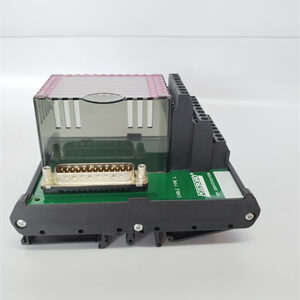
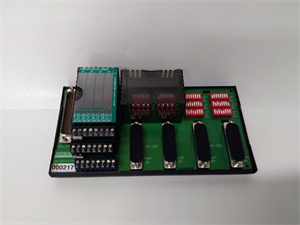
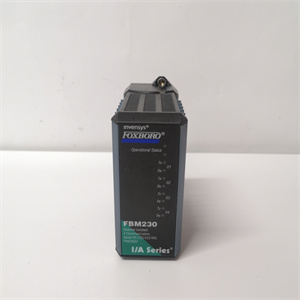
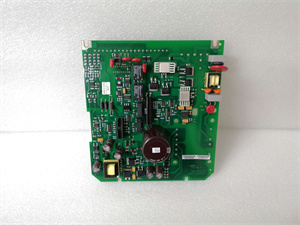
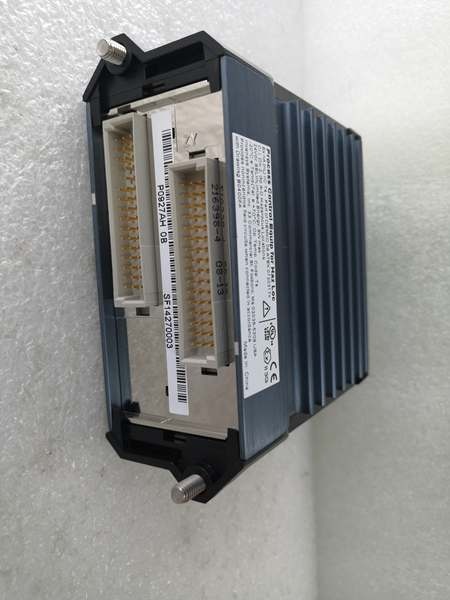
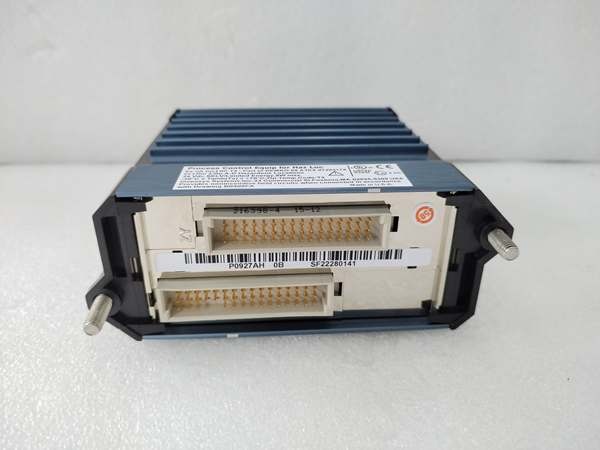
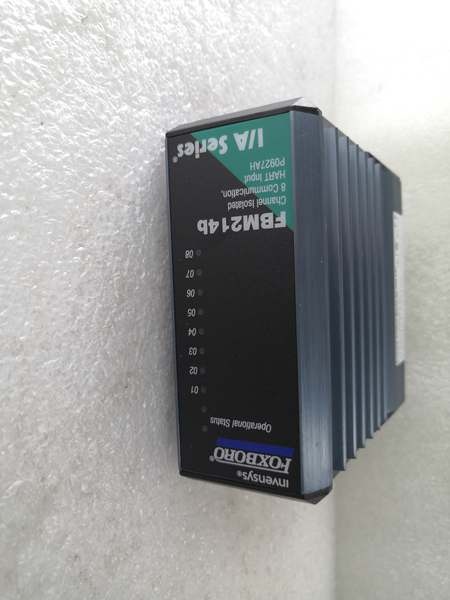
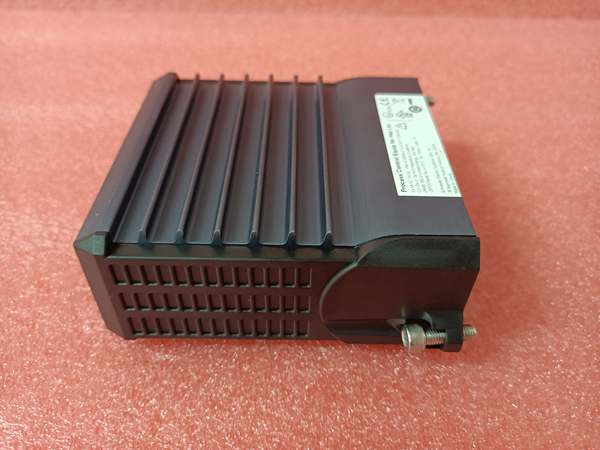
The Foxboro FBM232 is an Ethernet Field Device System Integrator (FDSI) module designed for Level 1 (Device) of the Purdue Model in industrial automation. It resides in the Foxboro I/A Series FBM rack (field-mounted or rack-mounted) and serves as the critical interface between field devices (e.g., smart pressure transmitters, motor control centers, variable frequency drives) and the Foxboro DCS controller (e.g., CP4000, FCP280).
Upstream Communication
The FBM232 receives Ethernet data packets from field devices via a 10/100 Mbps copper Ethernet network. It supports TCP/IP and UDP/IP protocols, with configurable IP addressing (fixed or DHCP). The module can connect to a single device or up to 64 devices through Ethernet switches or hubs, making it suitable for both point-to-point and multi-drop configurations.
Downstream Communication
Processed data from the FBM232 is transmitted to the Foxboro DCS via the FBM rack’s backplane using the Distributed Control Interface (DCI) protocol. The module supports up to 2000 DCI block connections, allowing the DCS to read/write data from field devices (e.g., analog values, digital statuses, packed digital points). The backplane provides a high-speed, isolated data path, ensuring reliable communication even in noisy industrial environments.
Operational Advantages
-
Protocol Flexibility: Downloadable I/O drivers (from Foxboro’s library) support custom protocols, enabling integration with third-party devices (e.g., Allen-Bradley PLCs, Schneider Electric VFDs).
-
High Density: Supports up to 64 devices per module, reducing the number of required modules and cabinet space.
-
Rugged Design: Field-mounted and rated for Class G3 (harsh) environments, with a wide operating temperature range (-20°C to +70°C) and humidity tolerance (5–95% non-condensing).
Core Technical Specifications
|
Attribute
|
Specification
|
|---|---|
|
Module Type
|
Ethernet Field Device System Integrator (FDSI)
|
|
Ethernet Port
|
1 x 10/100 Mbps auto-sensing RJ-45 port
|
|
Device Capacity
|
Up to 64 field devices (via switches/hubs)
|
|
DCI Connections
|
Up to 2000 block connections
|
|
Data Types Supported
|
2-byte/4-byte integers, 4-byte IEEE floats, binary values (via downloadable drivers)
|
|
Power Supply
|
24 V DC ±5–10% (supports redundant power)
|
|
Power Consumption
|
7 W maximum
|
|
Operating Temperature
|
Rev A-J: -20°C to +70°C (-4°F to 158°F); Rev K+: 0°C to +70°C (32°F to 158°F)
|
|
Storage Temperature
|
-40°C to +70°C (-40°F to 158°F)
|
|
Humidity Tolerance
|
5–95% non-condensing
|
|
Dimensions (W×H×D)
|
45 mm × 102 mm × 104 mm (1.75 in × 4 in × 4.11 in)
|
|
Weight
|
284 g (10 oz)
|
|
Certifications
|
CE, UL, CSA, ATEX (Ex nA IIC T4), ABS, Bureau Veritas
|
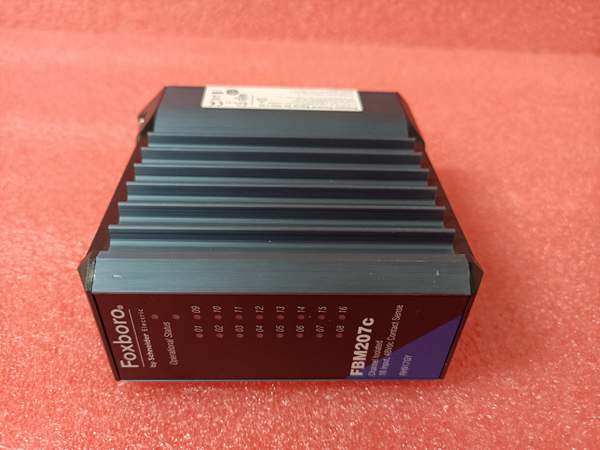
Foxboro FBM207C
Customer Value & Operational Benefits
Reduced Integration Complexity
The FBM232’s downloadable driver architecture eliminates the need for custom gateways, cutting integration time by up to 50%. For example, a chemical plant integrating 32 smart transmitters can use a single FBM232 with a Modbus TCP/IP driver, instead of multiple protocol converters.
Improved Process Visibility
With support for up to 2000 DCI connections, the module provides real-time data from field devices to the DCS, enabling operators to monitor process variables (e.g., pressure, temperature) with millisecond latency. This visibility helps prevent unplanned downtime—for an oil refinery, this translates to $10,000+ per hour in saved revenue.
Cost-Effective Scalability
The 64-device capacity per module reduces the number of required FBM slots, saving cabinet space and installation costs. Additionally, the module’s backward compatibility with Foxboro I/A Series systems protects existing investments, allowing gradual migration to Ethernet without replacing the entire DCS.
Enhanced Reliability
The FBM232’s rugged design (Class G3) and redundant power support ensure reliable operation in harsh environments (e.g., offshore platforms, chemical plants). For example, a paper mill using the module to connect VFDs reported a 90% reduction in communication faults compared to previous serial-based solutions.
Field Engineer’s Notes (From the Trenches)
When installing the FBM232, always use a shielded Ethernet cable (CAT5e or better)—unshielded cables can pick up electromagnetic interference (EMI) from nearby power lines, leading to CRC errors and communication drops. I once saw a site where a contractor used unshielded cables, resulting in intermittent “device not responding” faults. Switching to shielded cables eliminated the problem immediately.Another gotcha: verify the IP address configuration—the FBM232 supports both fixed and DHCP addressing. If using DHCP, ensure the DCS can reach the device’s IP address (check the subnet mask and gateway). I’ve fixed countless “no comm” errors by correcting the IP settings.If the module’s “FAULT” LED is red, check the Ethernet link status first—use a laptop to ping the device’s IP address. If the ping fails, the issue is likely with the cable or switch. If the ping succeeds but the DCS still can’t communicate, check the I/O driver configuration (e.g., protocol type, device address).
Real-World Applications
-
Oil & Gas: Offshore Platform Substation AutomationAn offshore oil platform uses the FBM232 to connect 48 smart protective relays and power meters via Modbus TCP/IP. The module transmits real-time voltage and current data to the Foxboro DCS, enabling operators to monitor substation health and prevent blackouts. The 10/100 Mbps Ethernet link ensures fast data transfer, even with 64 devices connected.
-
Chemical Processing: VFD Cluster ManagementA chemical plant uses the FBM232 to manage 32 variable frequency drives (VFDs) for pump control. The module sends speed commands from the DCS to the VFDs and receives diagnostic data (e.g., motor temperature, fault codes) via Ethernet. This integration allows the plant to optimize pump speeds for energy savings, reducing electricity costs by 15%.

Foxboro FBM207C
High-Frequency Troubleshooting FAQ
Q: What is the correct way to replace a legacy FBM224 (serial) with the FBM232 (Ethernet)?
A: The FBM232 is a direct functional replacement, but you’ll need to:
-
Re-terminate field wiring: Replace serial cables with Ethernet cables (CAT5e shielded).
-
Load the correct I/O driver: Use Foxboro’s configurator to download the Ethernet driver (e.g., Modbus TCP/IP) for the FBM232.
-
Update the DCS database: Modify the DCI connections to reflect the new Ethernet device addresses.Test the communication using a laptop to ping the FBM232’s IP address before connecting to the DCS.
Q: Why is my FBM232 showing a “CRC error” on the Ethernet link?
A: CRC errors are usually caused by electromagnetic interference (EMI) or cable issues. Check:
-
Cable shielding: Ensure the Ethernet cable is shielded (CAT5e or better) and the shield is grounded to the FBM rack’s earth ground.
-
Cable length: Keep Ethernet cables under 100 meters (330 feet) to avoid signal degradation.
-
Switch configuration: Ensure the switch is set to 10/100 Mbps auto-sensing (not forced to 100 Mbps).
Q: Can the FBM232 be used with non-Foxboro DCS systems?
A: No, the FBM232 is designed exclusively for Foxboro I/A Series and EcoStruxure Foxboro DCS. It relies on the FBM rack’s backplane for power and communication, so using it with non-Foxboro systems will result in compatibility issues.
Q: How do I configure the FBM232 for DHCP addressing?
A: Use the FDSI Configurator (Foxboro’s software tool) to set the IP address mode to “DHCP”. The module will automatically obtain an IP address from the network’s DHCP server. Verify the address using a laptop to ping the device.
Commercial Availability & Pricing
Please note: The listed price is not the actual final price. It is for reference only and is subject to appropriate negotiation based on current market conditions, quantity, and availability.