Description
System Architecture & Operational Principle
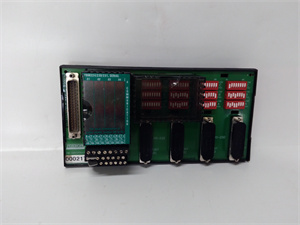
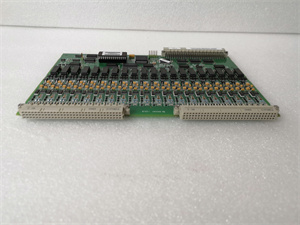
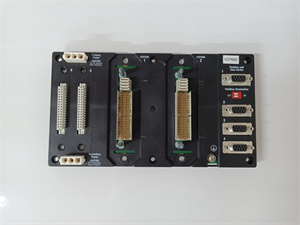
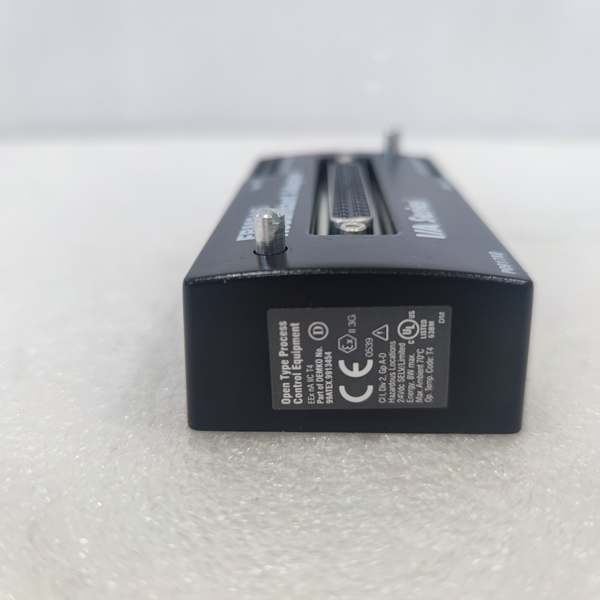
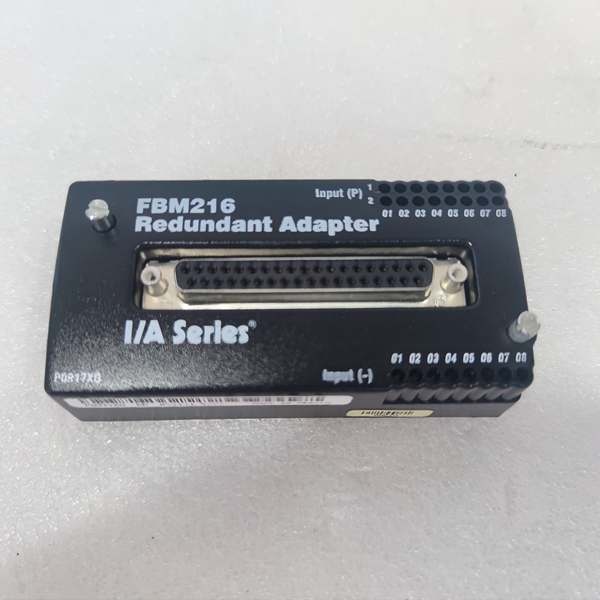
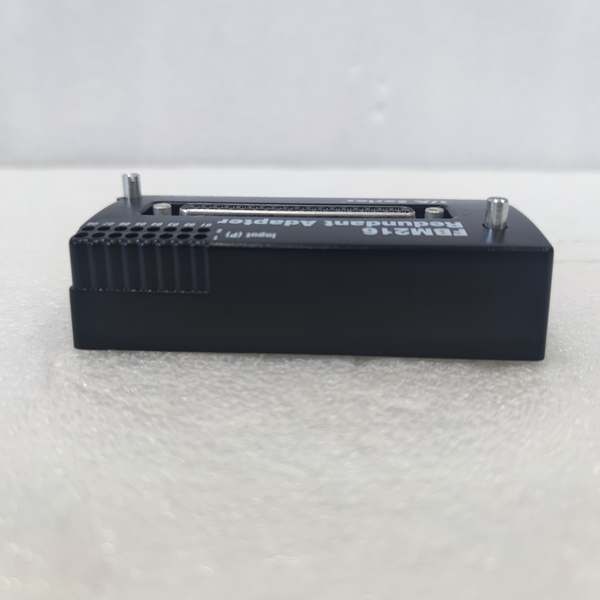
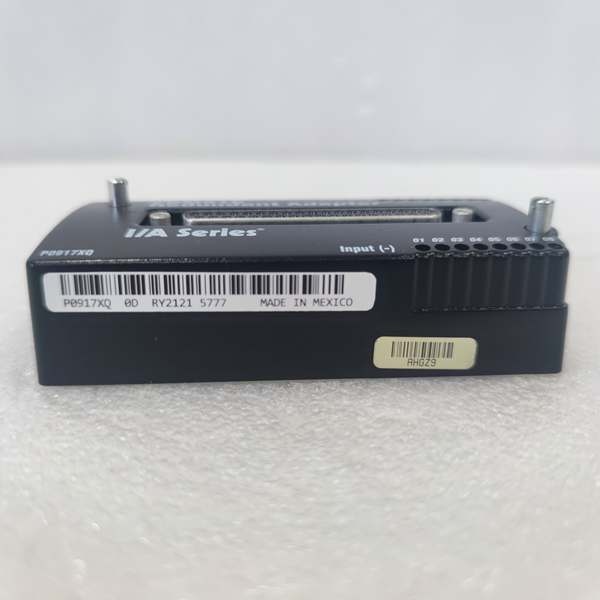
The Foxboro P0917XQ is a redundant adapter module designed exclusively for the Foxboro I/A Series DCS, specifically to enhance the reliability of FBM216 16-channel analog input modules. It resides in the I/A Series FBM rack (field-mounted or rack-mounted) and serves as the critical link between FBM216 input modules and the DCS controller (e.g., CP4000, FCP280).
Upstream Communication
Receives analog input signals (4-20 mA, HART-enabled) from field devices (e.g., pressure transmitters, temperature sensors) via FBM216 modules. The P0917XQ aggregates these signals and transmits them to the DCS controller via the I/A Series backplane using the Distributed Control Interface (DCI) protocol.
Downstream Communication
Converts the DCI signals from the controller into drive signals for FBM216 modules, enabling them to acquire data from field devices. The module’s redundant design ensures that if the primary adapter fails, a secondary adapter takes over within milliseconds, preventing data loss or process interruptions.
Operational Advantages
-
Redundancy: Eliminates single points of failure in FBM216-based I/O systems, critical for 24/7 operations like oil & gas production or chemical processing.
-
Seamless Failover: Hot-swappable design allows technicians to replace a faulty adapter without shutting down the DCS, minimizing downtime.
-
Compatibility: Works exclusively with FBM216 modules, ensuring plug-and-play integration with existing I/A Series systems.
Core Technical Specifications
|
Attribute
|
Specification
|
|---|---|
|
Module Type
|
Redundant Adapter Module (for FBM216)
|
|
Compatibility
|
Foxboro FBM216 16-channel analog input modules
|
|
Operating Temperature
|
-20°C to +70°C (-4°F to 158°F)
|
|
Storage Temperature
|
-40°C to +70°C (-40°F to 158°F)
|
|
Humidity Tolerance
|
5–95% non-condensing
|
|
Altitude
|
-300 to +3,000 m (-1,000 to +10,000 ft)
|
|
Power Supply
|
Supplied via FBM rack backplane (24 V DC ±10%)
|
|
Dimensions (W×H×D)
|
~100 mm × 30 mm × 150 mm (3.94 in × 1.18 in × 5.91 in) (estimated)
|
|
Weight
|
~0.5 kg (1.1 lbs)
|
|
Certifications
|
CE, UL, CSA, ATEX (Ex nA IIC T4)
|
Foxboro P0917XQ
Customer Value & Operational Benefits
Enhanced Process Reliability
The P0917XQ’s redundant design ensures that FBM216-based I/O systems remain operational even if one adapter fails. For example, an offshore oil platform using the module to monitor pipeline pressure reported a 99.9% uptime, eliminating costly shutdowns due to adapter failures.
Reduced Downtime
The hot-swappable design allows technicians to replace a faulty adapter without disrupting field wiring or communication. A chemical plant using the P0917XQ reduced maintenance downtime by 50% compared to non-redundant systems.
Cost-Effective Redundancy
By adding redundancy to existing FBM216 modules, the P0917XQ extends the life of the I/A Series system without requiring a full upgrade. This protects customer investments and reduces the total cost of ownership.
Field Engineer’s Notes (From the Trenches)
When installing the P0917XQ, always verify the FBM216 module’s firmware version—the adapter requires FBM216 firmware v3.0 or later to support redundancy. I once saw a site where a contractor used an older firmware version, resulting in a “redundancy mismatch” fault. Updating the firmware fixed the issue immediately.Another gotcha: check the backplane connections—loose or reversed cables can cause communication errors between the adapter and FBM216 modules. Use a multimeter to test for continuity before powering up the system.If the adapter’s “FAULT” LED is red, check the redundant pair—ensure the secondary adapter is properly connected and powered. A common mistake is forgetting to connect the secondary adapter’s power cable, which disables redundancy.
Real-World Applications
-
Oil & Gas: Offshore Pipeline MonitoringAn offshore oil platform uses the P0917XQ to provide redundancy for FBM216 modules monitoring pipeline pressure. The adapter’s seamless failover ensures that pressure data is continuously transmitted to the DCS, even if one adapter fails.
-
Chemical Processing: Reactor Temperature ControlA chemical plant uses the P0917XQ to enhance the reliability of FBM216 modules monitoring reactor temperature. The redundant design prevents process interruptions caused by adapter failures, ensuring consistent product quality.

Foxboro P0917XQ
High-Frequency Troubleshooting FAQ
Q: What does the “FAULT” LED indicate on the P0917XQ?
A: The red “FAULT” LED indicates a critical error, such as:
-
Redundancy Mismatch: The primary and secondary adapters are not synchronized (check firmware versions).
-
Backplane Communication Error: Loose or reversed cables between the adapter and FBM216 modules.
-
Power Supply Failure: The adapter is not receiving power from the backplane (check the power cable).Check the Foxboro DCS’s diagnostic software for detailed fault codes and follow the manufacturer’s troubleshooting steps.
Q: Can the P0917XQ be used with non-FBM216 modules?
A: No, the P0917XQ is designed exclusively for Foxboro FBM216 16-channel analog input modules. It relies on the FBM216’s architecture for redundancy, so using it with non-FBM216 modules will result in compatibility issues.
Q: How do I configure the P0917XQ for redundant operation?
A: Use the Foxboro Configuration Tool (e.g., FoxView) to enable redundancy for the FBM216 module. The tool will automatically detect the P0917XQ and configure it as the primary or secondary adapter.
Q: Why is the P0917XQ not communicating with the FBM216 module?
A: Check three things first:
-
Backplane Connection: Ensure the adapter is properly seated in the FBM rack.
-
Firmware Version: Verify that the FBM216 module has v3.0 or later firmware.
-
Power Supply: Check the backplane’s power output (24 V DC ±10%).
Commercial Availability & Pricing
Please note: The listed price is not the actual final price. It is for reference only and is subject to appropriate negotiation based on current market conditions, quantity, and availability.