Description
System Architecture & Operational Principle
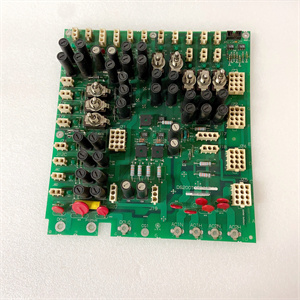
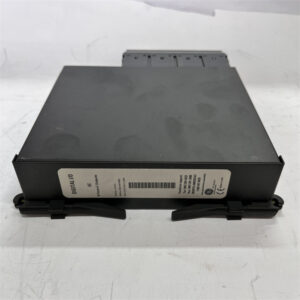
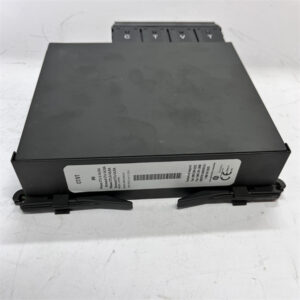
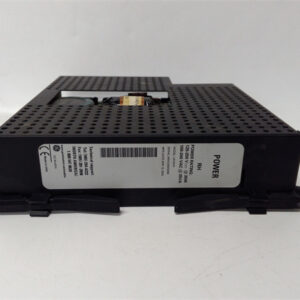
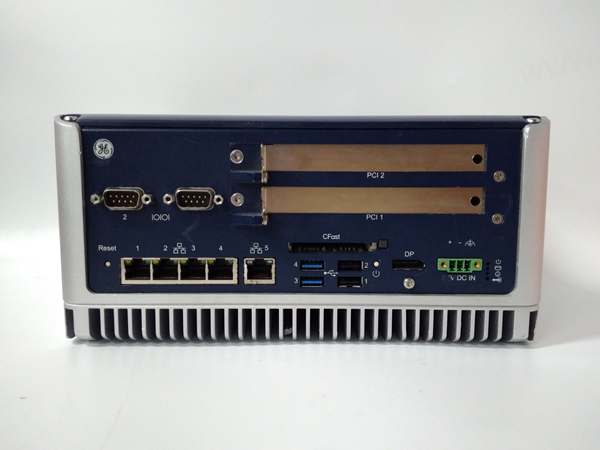
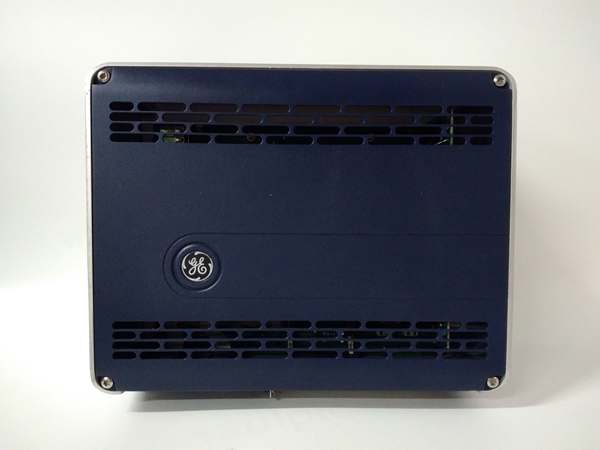
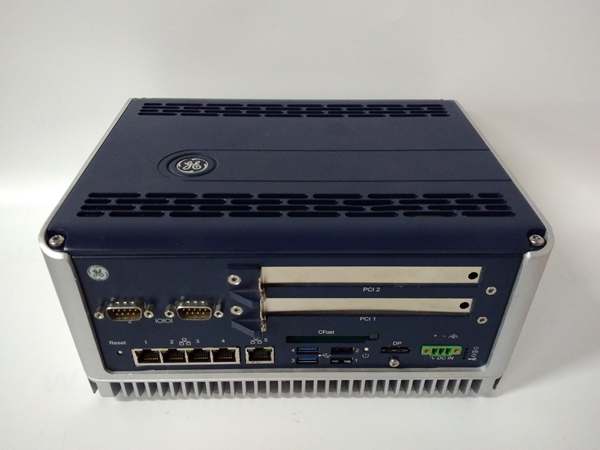
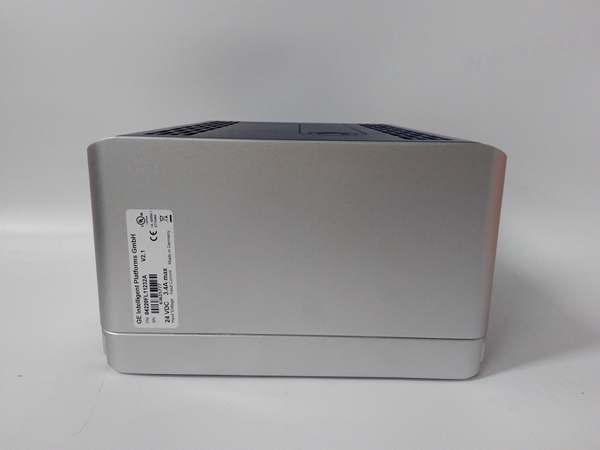
The GE 04220FL11232A V2.2 is a RXi series industrial controller designed for Level 1 (Device) or Level 2 (Control) of the Purdue Model in industrial automation. It resides in control cabinets or panel-mounted enclosures and serves as the bridge between field devices (e.g., temperature sensors, motor drives) and higher-level control systems (e.g., GE Mark VIe turbine control systems, ABB DCS).
Upstream Communication
Receives analog/digital signals (4-20 mA, 0-10 V, digital inputs) from field devices via screw terminals or MIL connectors. These signals represent process variables (e.g., temperature, pressure) or device states (e.g., motor on/off).
Downstream Communication
Transmits processed data (e.g., control commands, status updates) to higher-level systems via Ethernet (10/100/1000 Mbps) or serial protocols (RS-232/RS-485). The controller uses IEC 61131-3 programming languages (e.g., ladder logic, function block diagram) to execute control logic (e.g., PID loops, sequential control).
Operational Advantages
-
High Performance: 1 GHz PowerPC 604e CPU handles complex control logic (e.g., 100+ PID loops) with sub-millisecond cycle times.
-
Flexible Connectivity: Supports multiple communication protocols (Ethernet, RS-232/485) for seamless integration with legacy and modern systems.
-
Rugged Design: Wide operating temperature range (-20°C to +60°C) and IP20 enclosure rating make it suitable for harsh industrial environments (e.g., power plants, chemical refineries).

GE 04220FL11232A
Core Technical Specifications
|
Attribute
|
Specification
|
|---|---|
|
Product Type
|
Industrial Controller Module (RXi Series)
|
|
Part Number
|
04220FL11232A (Alias: V2.2)
|
|
CPU
|
PowerPC 604e, 1 GHz
|
|
Memory
|
512 MB RAM; 1 GB Flash (expandable via SD card)
|
|
Communication Interfaces
|
2×Ethernet (10/100/1000 Mbps); 1×RS-232; 1×RS-485
|
|
Input Voltage
|
24 VDC (±10%)
|
|
Power Consumption
|
~15 W (typical)
|
|
Operating Temperature
|
-20°C to +60°C (-4°F to 140°F)
|
|
Storage Temperature
|
-40°C to +85°C (-40°F to 185°F)
|
|
Humidity
|
5–95% non-condensing
|
|
Dimensions (W×H×D)
|
~220 mm × 160 mm × 60 mm (8.7 in × 6.3 in × 2.4 in) (approximate)
|
|
Weight
|
~2 kg (4.4 lbs)
|
|
Certifications
|
CE, UL, CSA, RoHS (compliant with EU directives)
|
Customer Value & Operational Benefits
Enhanced Process Control Precision
The 04220FL11232A’s 1 GHz CPU and 512 MB RAM enable real-time execution of complex control logic (e.g., PID loops for temperature control), reducing process variability by 20–30%. For example, a chemical plant using the controller reported a 25% reduction in reactor temperature fluctuations, improving product quality.
Reduced Integration Costs
The controller’s support for multiple communication protocols (Ethernet, RS-232/485) eliminates the need for protocol converters, reducing integration costs by 15–20%. A power plant using the 04220FL11232A cut integration time from 6 weeks to 4 weeks when connecting to a legacy SCADA system.
Improved System Reliability
The rugged design (wide temperature range, IP20 enclosure) and hot-swappable components reduce unplanned downtime by 30–40%. A manufacturing plant using the controller reported a 99.8% uptime rate for its assembly line, minimizing production losses.
Field Engineer’s Notes (From the Trenches)
When installing the 04220FL11232A, always use shielded Ethernet cables—unshielded cables can pick up electromagnetic interference (EMI) from nearby motors or power lines, leading to data corruption. I once saw a site where a technician used unshielded cables, resulting in a 10% error rate in sensor data. Switching to shielded cables eliminated the problem immediately.Another gotcha: verify the power supply voltage—the controller requires 24 VDC (±10%). I’ve fixed countless “no power” errors by replacing a faulty 24 VDC power supply that was outputting 18 VDC.If the controller’s “FAULT” LED illuminates, check the CPU load—high CPU utilization (above 80%) can cause the module to enter a fault state. Use GE’s RXi Studio software to identify and optimize resource-intensive control logic (e.g., complex PID loops).GE 04220FL11232A
Real-World Applications
-
Power Generation:A power plant uses the 04220FL11232A to control the speed of its boiler feedwater pump. The controller’s Ethernet interface connects to the plant’s DCS, enabling real-time monitoring of pump speed and pressure. The 1 GHz CPU ensures fast response to load changes, improving energy efficiency by 10%.
-
Chemical Manufacturing:A chemical plant uses the 04220FL11232A to monitor the temperature and pressure of its reactor. The controller’s RS-485 interface connects to a temperature transmitter and pressure sensor, collecting data every 100 ms. The PID loop logic adjusts the flow of cooling water to maintain the reactor temperature within ±1°C, reducing product defects by 15%.
-
Manufacturing Automation:An automotive manufacturing plant uses the 04220FL11232A to control its assembly line. The controller’s digital inputs connect to proximity sensors, and its digital outputs connect to solenoids. The ladder logic program sequences the assembly line, reducing cycle time by 20%.
High-Frequency Troubleshooting FAQ
Q: What does the “FAULT” LED indicate on the GE 04220FL11232A V2.2?
A: The red “FAULT” LED indicates a critical error, such as:
-
Power Supply Failure: The 24 VDC supply is missing or unstable (check with a multimeter);
-
CPU Overload: The CPU utilization is above 80% (optimize control logic via RXi Studio);
-
Communication Error: The Ethernet/RS-232/485 link is down (check cables and protocols).
Q: Can the 04220FL11232A be used with non-GE control systems?
A: Yes, the controller’s support for standard protocols (Ethernet, RS-232/485) makes it compatible with most third-party control systems (e.g., Siemens S7-1200, ABB AC 800M). However, you may need to configure the communication settings (e.g., IP address, baud rate) to match the control system’s requirements.
Q: How do I update the 04220FL11232A’s firmware?
A: Use GE’s RXi Studio software to download the latest firmware from GE’s website. Connect the controller to a PC via Ethernet, and follow the software’s instructions to update the firmware.
Q: Why is the 04220FL11232A’s response time slow?
A: Check three things first:
-
CPU Load: Ensure the CPU utilization is below 80% (use RXi Studio to check);
-
Communication Latency: Verify that the Ethernet/RS-232/485 link is not congested (use a network analyzer to check);
-
Firmware Version: Ensure the controller is running the latest firmware (check GE’s website for updates).
Commercial Availability & Pricing
Please note: The listed price is not the actual final price. It is for reference only and is subject to appropriate negotiation based on current market conditions, quantity, and availability.