Description
System Architecture & Operational Principle
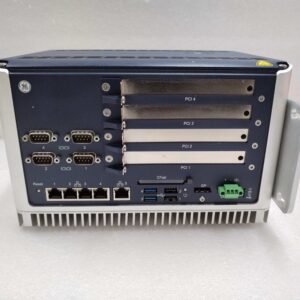
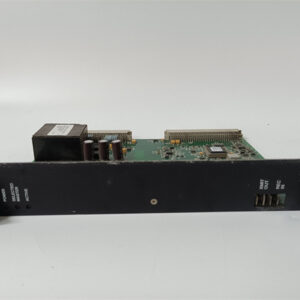
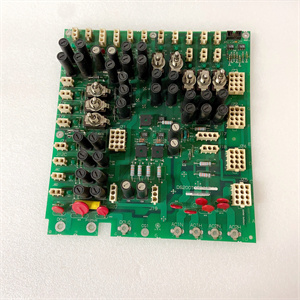
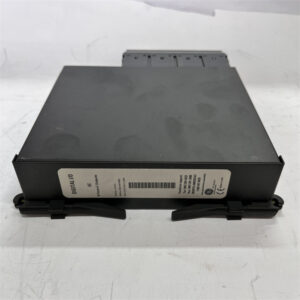
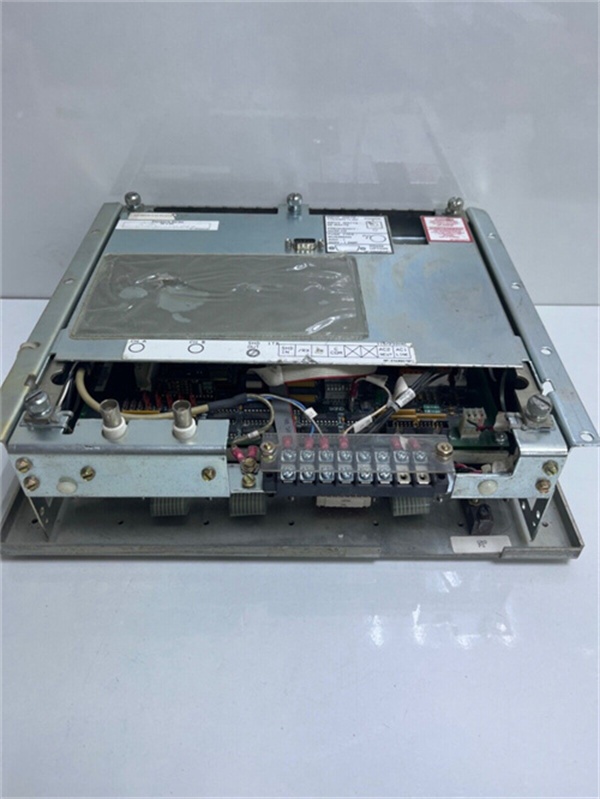
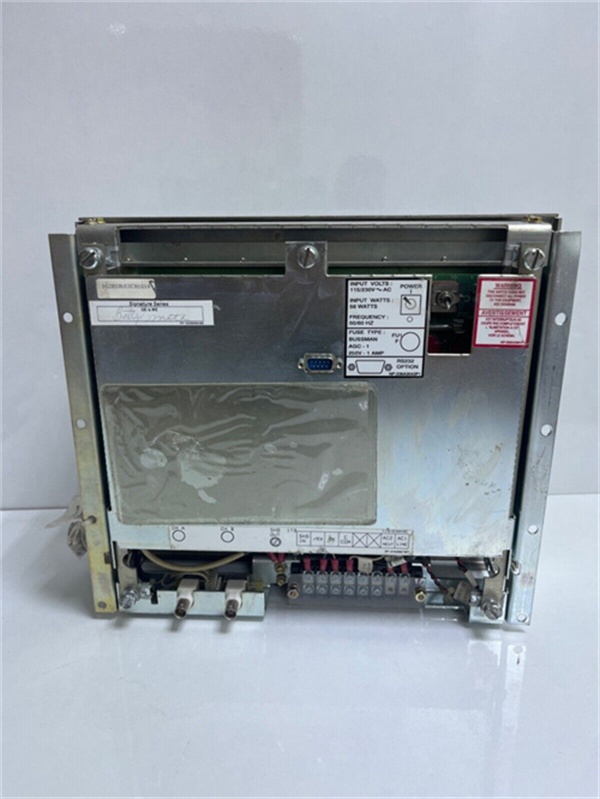
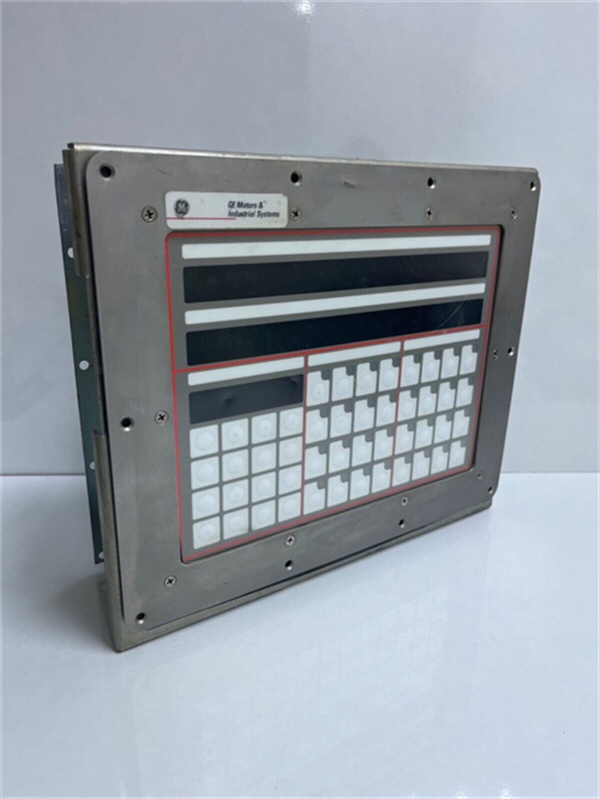
The GE DS2020UCOCN1G1A is a front-mounted operator display within the GE Mark V Series of turbine control systems, designed for Level 2 (Control) of the Purdue Model in industrial automation. It resides in the turbine control cabinet (mounted on the front of the OC2000 drive system) and serves as the human-machine interface (HMI) for operators to monitor and control turbine operations.
Upstream Communication
Receives real-time data from the Mark V main processor (e.g., TCTG board) via a 40-pin ribbon cable. This data includes:
-
Generator parameters (voltage, frequency, current, power output);
-
Turbine status (speed, temperature, vibration);
-
Fault codes (e.g., overvoltage, overtemperature).
Downstream Communication
Transmits operator commands (e.g., start/stop turbine, adjust setpoints) to the Mark V controller via the same 40-pin cable. The controller then executes these commands and updates the display with new data.
Operational Advantages
-
Real-Time Visibility: The 4-line alphanumeric display provides instant access to critical turbine parameters, enabling operators to respond quickly to abnormal conditions.
-
Diagnostic Capability: The module stores historical fault data and event logs, helping technicians identify root causes of issues (e.g., recurring overvoltage faults).
-
Redundancy Support: Compatible with Mark V’s simplex, duplex, and triple modular redundancy (TMR) configurations, ensuring continuous operation even if one component fails.

GE DS2020UCOCN1G1A
Core Technical Specifications
|
Attribute
|
Specification
|
|---|---|
|
Product Type
|
N1 OC2000 Front Mounting Display (Operator Interface)
|
|
Part Number
|
DS2020UCOCN1G1A
|
|
System Platform
|
GE Mark V Series Turbine Control Systems
|
|
Processor
|
AMD G-Series dual-core/quad-core (1.2 GHz/1.6 GHz)
|
|
Operating System
|
QNX Neutrino real-time OS (RTOS)
|
|
Safety Compliance
|
SIL 2/SIL 3 (IEC 61508)
|
|
Communication Interfaces
|
RS-232, Ethernet, terminal connectors
|
|
Display
|
4-line alphanumeric LCD (backlit)
|
|
Operating Temperature
|
-40°C to +70°C (-40°F to 158°F)
|
|
Storage Temperature
|
-55°C to +85°C (-67°F to 185°F)
|
|
Humidity
|
5–95% non-condensing
|
|
Dimensions (W×H×D)
|
~168 mm × 150 mm × 55 mm (6.6 in × 5.9 in × 2.2 in) (approximate)
|
|
Weight
|
~1.0 kg (2.2 lbs)
|
|
Certifications
|
CE, UL (hazardous location compliant)
|
Customer Value & Operational Benefits
Enhanced Operator Efficiency
The DS2020UCOCN1G1A’s intuitive interface and real-time data display reduce the time operators spend troubleshooting issues. A power plant using the module reported a 30% reduction in operator response time to turbine faults.
Improved Diagnostic Accuracy
The module’s historical fault logging and event tracking help technicians identify root causes of issues faster. A chemical plant using the DS2020UCOCN1G1A cut diagnostic time by 40% compared to traditional HMI systems.
Increased System Reliability
The module’s redundancy support and SIL 2/SIL 3 compliance ensure continuous operation even in harsh turbine hall environments. A combined-cycle plant using the module reported a 99.9% uptime for the HMI system.
Cost-Effective Integration
Compatible with GE Mark V Series and existing OC2000 drive systems, the DS2020UCOCN1G1A eliminates the need for custom HMI solutions. A water treatment plant using the module saved $10,000 in integration costs by retaining its existing Mark V infrastructure.
Field Engineer’s Notes (From the Trenches)
When installing the DS2020UCOCN1G1A, always verify the 40-pin ribbon cable connection—loose cables are the leading cause of “no communication” errors. I once saw a site where a technician forgot to lock the cable, resulting in intermittent display updates. Use a multimeter to test the cable’s continuity if you suspect a fault.Another gotcha: check the display’s contrast settings—the backlit LCD can become dim in bright environments. Adjust the contrast via the module’s menu (press the “MENU” button and use the arrow keys) to improve readability.If the display shows “FAULT”, check the Mark V controller’s status—the module will display a fault code if the controller is in an error state. Use the Mark V’s diagnostic software (e.g., ToolboxST) to retrieve the fault details and resolve the issue.GE DS2020UCOCN1G1A
Real-World Applications
-
Power Generation:A coal-fired power plant uses the DS2020UCOCN1G1A to monitor the turbine’s speed, temperature, and power output. The module’s real-time display allows operators to adjust the fuel flow and maintain optimal efficiency.
-
Gas Turbines:A natural gas power plant uses the DS2020UCOCN1G1A to interface with the OC2000 drive system. The module’s fault logging capabilities help technicians identify and fix issues with the gas turbine’s ignition system.
-
Combined-Cycle Plants:A combined-cycle power plant uses the DS2020UCOCN1G1A to synchronize the gas and steam turbines. The module’s Ethernet interface allows operators to monitor both turbines from a single HMI.
High-Frequency Troubleshooting FAQ
Q: What does the “NO COMM” error indicate on the GE DS2020UCOCN1G1A?
A: The “NO COMM” error means the module is not receiving data from the Mark V controller. Check the 40-pin ribbon cable for loose connections or damage. Use a multimeter to test the cable’s continuity (pins should have ≤1 Ω resistance). If the cable is good, verify that the Mark V controller is powered on and functioning properly.
Q: Can the DS2020UCOCN1G1A be used with Mark VIe systems?
A: No, the DS2020UCOCN1G1A is designed exclusively for GE Mark V Series systems. Mark VIe systems use a different HMI architecture (e.g., Cimplicity) and communication protocol. Using the DS2020UCOCN1G1A with Mark VIe will result in compatibility issues.
Q: How do I update the firmware on the DS2020UCOCN1G1A?
A: Firmware updates for the DS2020UCOCN1G1A are performed via the Mark V’s diagnostic software (e.g., ToolboxST). Download the latest firmware from GE’s website and follow the instructions in the software to upload it to the module. Note: Always back up the module’s configuration before updating the firmware.
Q: Why is the display’s backlight not working?
A: The backlight may be turned off or faulty. Press the “LIGHT” button on the module to toggle the backlight. If the backlight still does not work, check the module’s power supply (24V DC) and replace the backlight if necessary.
Commercial Availability & Pricing
Please note: The listed price is not the actual final price. It is for reference only and is subject to appropriate negotiation based on current market conditions, quantity, and availability.