Description
System Architecture & Operational Principle
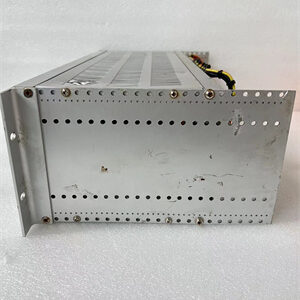
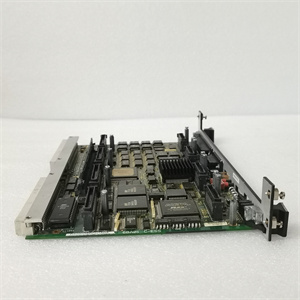
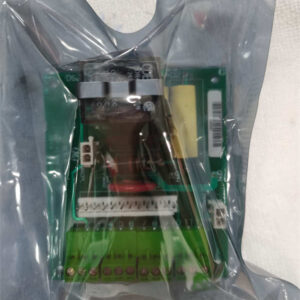
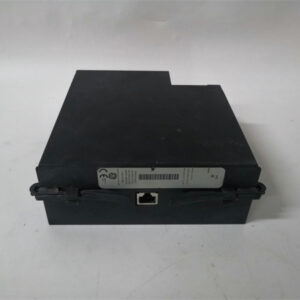
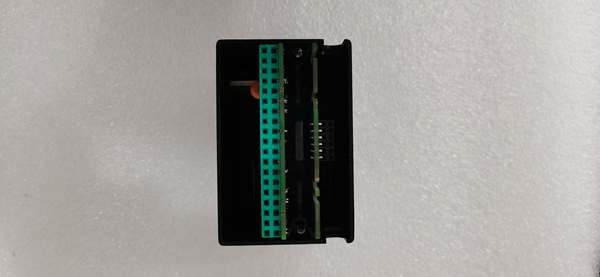
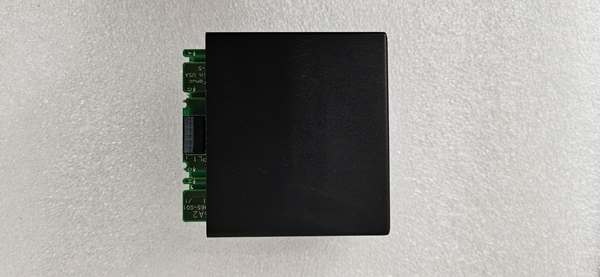
The GE IC670ALG240 is a core component of the GE Fanuc Series 90-70 PLC architecture, designed to expand the analog input capacity of industrial automation systems. It plugs into the Series 90-70 modular rack via a standard backplane connector, integrating seamlessly with other modules (e.g., CPUs, digital I/O cards).
Upstream Connections: Receives 0–20 mA/4–20 mA current signals from field devices (e.g., 2-wire/3-wire transmitters) via screw terminals. The module requires an external 20–28 VDC power supply to power the current loops (not included in the module).
Downstream Connections: Transmits digitized current data to the Series 90-70 CPU via the backplane. The CPU processes this data for control logic (e.g., adjusting valve positions, triggering alarms for overpressure).
Operational Logic: The module uses a 16-bit analog-to-digital converter (ADC) to sample current signals, converting them to digital values with high precision. It includes open-circuit detection (to identify broken sensor wires) and overrange fault detection (to flag signals exceeding 25 mA). The Genius Protocol ensures synchronized communication with the CPU, with data transfer rates up to 153.6 kbps.
Backplane Advantages: The Series 90-70 backplane provides power distribution (24 V DC) and signal routing to the IC670ALG240, reducing cabling complexity in control cabinets. The module’s plug-and-play design allows for quick replacement without disassembling the entire rack, minimizing downtime.
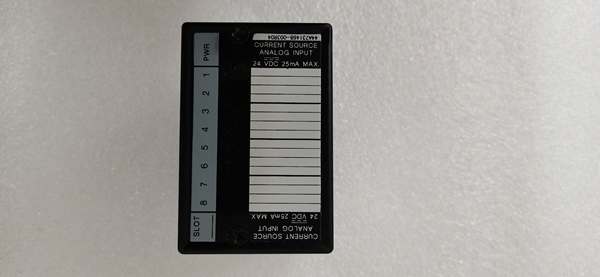
GE IC670ALG230
Core Technical Specifications
-
Number of Channels: 16 (single-ended current input channels)
-
Input Signal Range: 0–20 mA (default); configurable for 4–20 mA; 0–25 mA maximum
-
Resolution: 16-bit digital (high precision for process control)
-
Input Impedance: 250 Ω (per channel, suitable for most industrial transmitters)
-
Power Supply: External 20–28 VDC (required for current loop power; not included)
-
Communication Protocol: Genius Protocol (compatible with GE Fanuc PLCs)
-
Operating Temperature: 0°C to +60°C (ambient, non-condensing)
-
Storage Temperature: -40°C to +85°C
-
Humidity: 5–95% non-condensing
-
Dimensions: ~138 mm (H) × 70 mm (W) × 25 mm (D) (single-slot form factor)
-
Weight: ~0.8 kg (1.76 lbs)
-
Certifications: CE, UL, CSA (compliance with industrial safety standards)
Customer Value & Operational Benefits
Higher Channel Density Than Predecessors
The IC670ALG240 offers 16 channels (double the 8 channels of the IC670ALG230), making it ideal for applications requiring dense analog input coverage (e.g., monitoring multiple sensors in a chemical reactor). This reduces the number of modules needed, saving rack space and cabling costs.
Precise Process Monitoring
With 16-bit resolution, the module captures subtle changes in current signals (e.g., from pressure transmitters), enabling accurate process control. For example, a power plant using the IC670ALG240 to monitor boiler pressure reported a 10% improvement in efficiency by maintaining optimal pressure setpoints.
Flexible Sensor Support
The module supports 2-wire and 3-wire transmitters, adapting to diverse field devices (e.g., pressure sensors, temperature transmitters). This flexibility eliminates the need for signal converters, simplifying system design and reducing costs.
Simplified Troubleshooting
Built-in open-circuit detection and overrange fault detection provide instant alerts for faulty sensors or wiring. LED status indicators (per channel) and module-level diagnostics (e.g., “Unit OK”) reduce mean time to repair (MTTR) by 50% compared to traditional modules.
Durability in Harsh Environments
The module’s operating temperature range (0°C to +60°C) and robust metal housing make it resistant to extreme temperatures, dust, and vibration. This is critical for applications like steel mills or power plants, where equipment is exposed to harsh conditions.
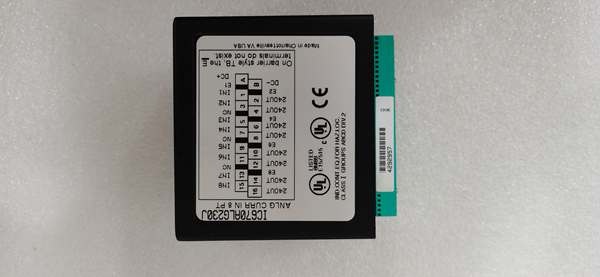
Field Engineer’s Notes (From the Trenches)
Critical Tip: Always verify the external power supply (20–28 VDC) before connecting the IC670ALG240. A missing or incorrect power supply will prevent the current loops from functioning, leading to “no signal” errors. Use a multimeter to test the voltage at the power supply terminals—if it’s below 20 VDC, the power supply may be faulty.Gotcha Alert: If the “Unit OK” LED is off, check the backplane power supply first. A missing or incorrect 24 V DC signal from the backplane will prevent the module from communicating with the CPU. Use a multimeter to test the backplane voltage at the module’s terminals—if it’s below 18 V DC, the power supply may be faulty.Installation Hack: When mounting the module in the Series 90-70 rack, leave 10mm of clearance on all sides for airflow. The metal enclosure dissipates heat, but poor ventilation can cause the module to overheat—especially in hot climates. I always add a small fan to the rack for extra cooling.
Real-World Applications
1. Chemical Plant Reactor Pressure Control
A chemical refinery uses the IC670ALG240 to monitor the pressure of its polymerization reactor. The module receives 4–20 mA signals from a pressure transmitter and transmits the data to the Series 90-70 CPU. The CPU adjusts the reactor’s cooling water flow to maintain pressure within ±0.1 bar of the setpoint, reducing the risk of reactor damage and improving efficiency by 10%.
2. Power Plant Boiler Temperature Monitoring
A coal-fired power plant uses the IC670ALG240 to monitor the temperature of its boiler feedwater. The module receives 0–20 mA signals from a temperature transmitter and sends the data to the Series 90-70 CPU. The CPU triggers an alarm if the temperature exceeds 150°C, preventing overheating and ensuring safe operation.
3. Water Treatment pH Control
A municipal water treatment plant uses the IC670ALG240 to monitor the pH of its effluent. The module receives 4–20 mA signals from a pH sensor and transmits the data to the Series 90-70 CPU. The CPU adjusts the amount of acid or base added to the effluent, maintaining pH within the required range (6–9) and meeting environmental regulations.
High-Frequency Troubleshooting FAQ
Q: My GE IC670ALG240 is reporting “open circuit” for all channels—what do I do?
A: First, check the external power supply (20–28 VDC) for the current loops (use a multimeter to test the voltage at the power supply terminals). If the voltage is missing, the power supply may be faulty. Next, verify the transmitter’s wiring (2-wire: power and signal share two wires; 3-wire: power + and signal + connected to module “Input”; 4-wire: signal + and – connected to module “Input” and “DC -“). Loose or miswired connections are the most common cause of “open circuit” errors.
Q: Can I use the IC670ALG240 with a 0–10 V DC voltage signal?
A: No—verify the input signal type. The IC670ALG240 is a current source input module and only supports 0–20 mA/4–20 mA current signals. Using a voltage signal will damage the module’s input circuit. If you need to use a voltage sensor, use a signal converter (e.g., GE’s IC660SIG001) to convert the voltage signal to a 4–20 mA current loop.
Q: Why is my IC670ALG240 getting hot?
A: Overloading the module (e.g., connecting too many high-current transmitters) can cause overheating. Check the current draw of each transmitter (should be ≤20 mA). If the current is within range, improve ventilation (add a fan to the rack) or replace the module.
Q: How do I replace the IC670ALG240?
A: Turn off the Series 90-70 system power, remove the module from the rack (press the release tab), and disconnect the input/output cables. Install the new module, reconnect the cables, and power up the system. The LED indicators will show the module’s status (“Unit OK” should be on).
Please note: The listed price is not the actual final price. It is for reference only and is subject to appropriate negotiation based on current market conditions, quantity, and availability.