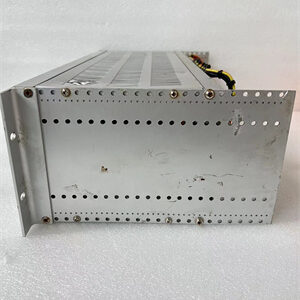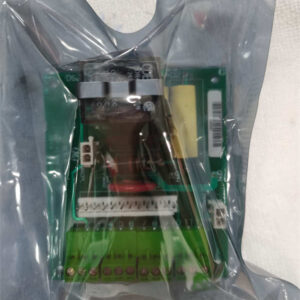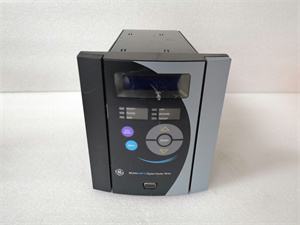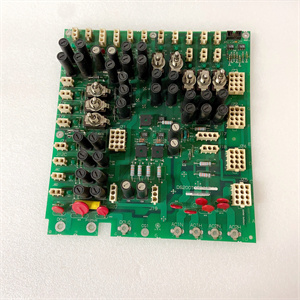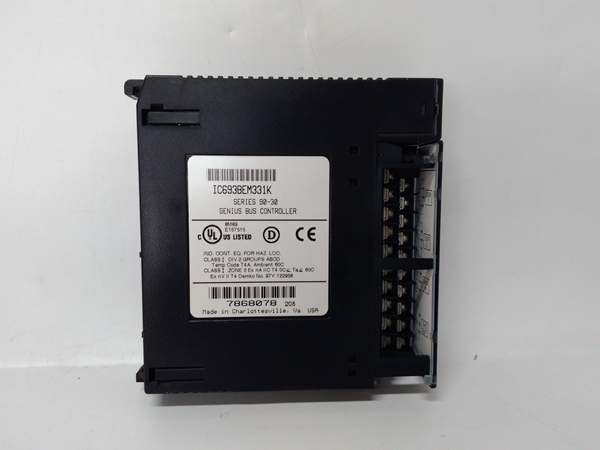
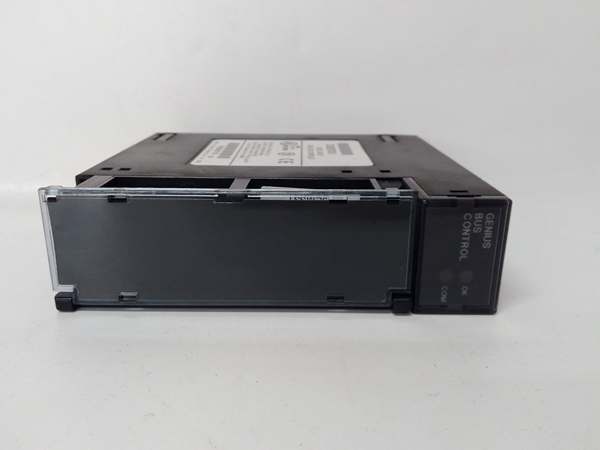
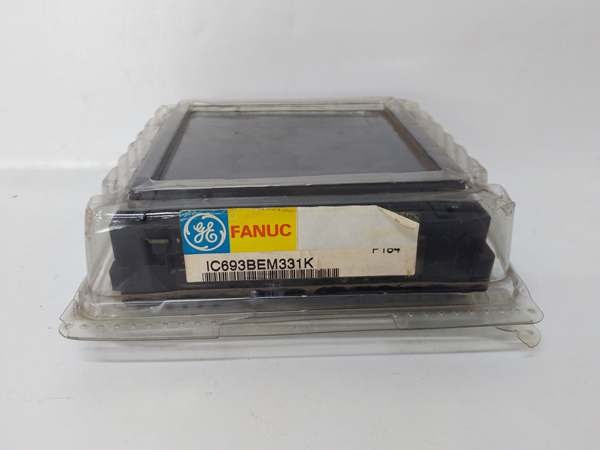
Description
3. Key Technical Specifications
|
Parameter
|
Specification
|
|---|---|
|
Module Type
|
Genius Bus Controller (GBC)
|
|
Supported Protocol
|
Genius LAN (Genius I/O Serial Bus)
|
|
Data Capacity
|
128 bytes per scan cycle
|
|
Max Devices
|
31 Genius I/O devices (blocks, remote drops)
|
|
Installation Slot
|
Slot 1 (dedicated communication slot)
|
|
LED Indicators
|
OK (steady: normal, blinking: fault), COMM (active communication)
|
|
Power Consumption
|
<300 mA @ 5V DC (from PLC backplane)
|
|
Operating Temperature
|
0°C to 60°C (32°F to 140°F)
|
|
Isolation
|
1500V RMS (field-to-logic)
|
|
Communication Speed
|
9.6/19.2/57.6/115.2 kbps (configurable)
|
|
Compatibility
|
Series 90-30 CPUs (firmware 5.0+) with LogicMaster 90-30 or VersaPro software
|
|
Note
|
“M” suffix denotes hardware revision (e.g., EMI filtering, mechanical optimization)
|
GE IC693BEM331
4. Product Introduction
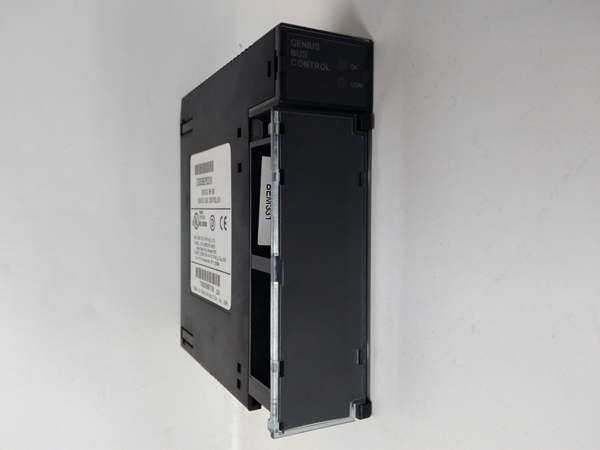
The GE IC693BEM331 is a Genius Bus Controller designed for GE Series 90-30 PLC systems, enabling communication with up to 31 Genius I/O devices (e.g., discrete, analog, or special-purpose modules) over a high-speed serial bus. Key features include 128-byte data capacity per scan cycle and 1500V RMS isolation for noise immunity.
Core Advantages:
-
Scalability: Supports distributed I/O architectures (e.g., remote I/O racks, field control stations).
-
Diagnostics: Dual LED indicators for real-time status monitoring (OK/COMM).
-
Retrofit Compatibility: Direct replacement for discontinued OEM units with verified firmware stability.
5. Firmware/Software Versions & Upgrade Notes
-
Recommended Firmware: v5.0+ (minimum requirement for CPU compatibility; fixes v4.x bus errors).
-
Configuration Tools:
-
LogicMaster 90-30: Legacy tool for basic Genius bus configuration.
-
VersaPro: Modern IEC 61131-3-compliant software for advanced programming and diagnostics.
-
-
Upgrade Risks:
-
Firmware updates require a cold restart (no hot-swap).
-
Downgrading firmware may disable enhanced diagnostic functions (e.g., detailed fault logging).

GE IC693BEM331
-
6. Frequently Asked Questions (FAQ)
1. Can I use the IC693BEM331 with Series 90-70 PLCs?
No. This module is exclusive to Series 90-30 PLCs. For Series 90-70, use the IC694BEM331 (identical form factor, updated backplane pinout).
2. How many IC693BEM331 modules can I install in a system?
A Series 90-30 PLC supports up to 8 Genius Bus Controllers (including IC693BEM331) if firmware ≥5.0 and LogicMaster 90 software are used.
3. What causes “COMM LED blinking” errors?
-
Bus contention: Too many devices on the Genius bus (exceeding 31).
-
Wiring issues: Open/short circuits in STP cables or improper grounding.
-
Power fluctuations: Verify 5V DC backplane stability (use a multimeter to check voltage at the module).
4. Warranty & Quality Assurance
-
12-month warranty covering manufacturing defects (e.g., faulty LEDs, communication failures).
-
QC checks: All units undergo incoming traceability (OEM serial verification), 24h load testing (continuous Genius comms), and insulation testing (megger >10MΩ).
5. Why choose New Surplus over refurbished?
-
Guaranteed compatibility: Unmodified OEM specs (no aftermarket parts).
-
Full testing: Validated communication thresholds and LED functionality.
-
Risk mitigation: Refurbished units often lack calibration backups or have untested connectors.
6. How do I migrate from a discontinued IC693BEM330?
-
Ensure firmware ≥5.0 on the Series 90-30 PLC.
-
Use LogicMaster 90 to reconfigure Genius bus parameters (same physical installation).
7. What’s the max scan time for 31 devices?
Depends on PLC CPU speed (e.g., IC693CPU351 achieves ~0.5ms per scan). Use VersaPro to optimize task scheduling and minimize latency.