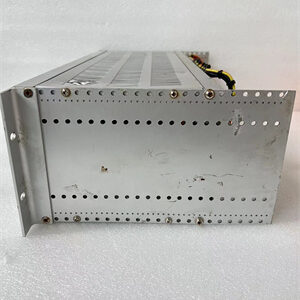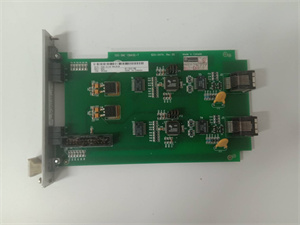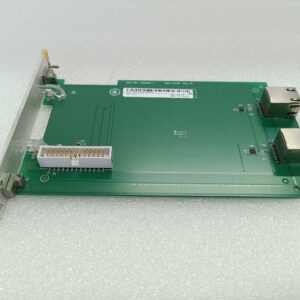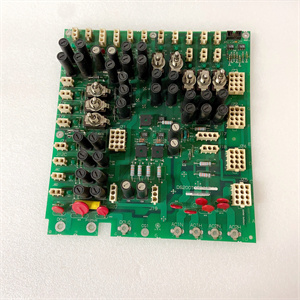
Description
System Architecture & Operational Principle
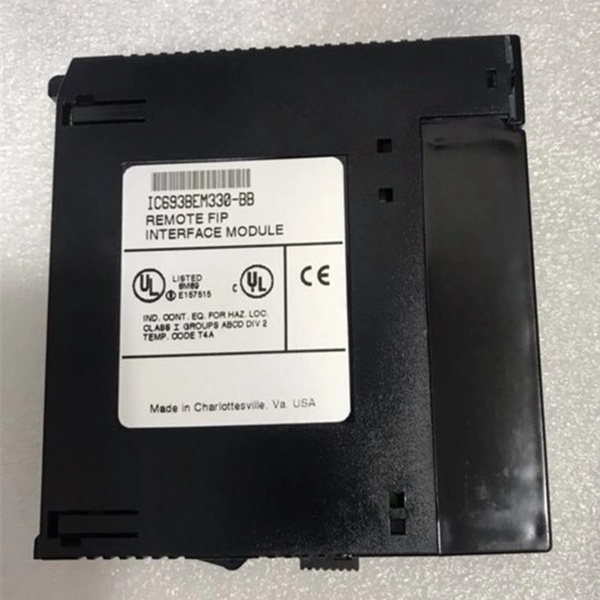
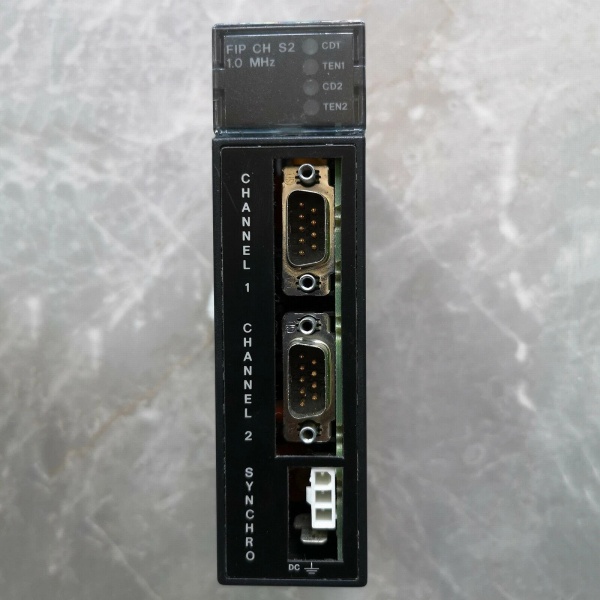
The IC693BEM331 is a FIP remote I/O scanner module designed for GE Series 90-30 PLC systems, occupying Slot 1 of the PLC rack—the dedicated slot for communication controllers. It operates at Level 1 (Basic Control) or Level 2 (Supervisory Control) of the Purdue Model, bridging the PLC CPU with distributed field devices. Upstream, it receives configuration commands and data requests from the CPU over the PLC backplane. Downstream, it scans up to 31 remote I/O modules via two 9-pin D-shell FIP channels, exchanging input signals (e.g., from sensors) and output commands (e.g., to actuators).
The backplane provides +5 VDC power and deterministic communication, while the FIP network’s 1 MHz data rate ensures low-latency updates. A key advantage is the retention of network configuration during power outages, which prevents rework during restarts. The module’s galvanic isolation (1500 VAC RMS) between field and logic sides blocks ground loops, a common headache in plants with mixed-voltage equipment.
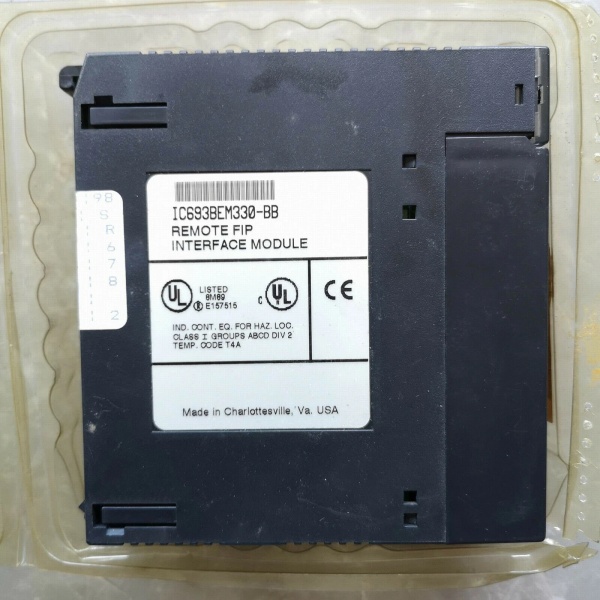
GE IC693BEM330
Core Technical Specifications
-
Slots Required: 1 (Slot 1, non-negotiable)
-
Communication Ports: 2 × 9-pin D-shell female (FIP channels)
-
Synchro Port: Molex 39-01-4031 connector (terminates FIP sync cable)
-
Data Rate: 1 MHz (FIP protocol)
-
Remote I/O Capacity: Up to 31 modules per scanner
-
LED Indicators: CD1/CD2 (carrier detect), TEN1/TEN2 (transmit enable)
-
Power Draw: 609 mA @ +5 VDC (backplane)
-
Environmental Tolerance: 0°C to 60°C operating, -40°C to +85°C storage
-
Isolation Rating: 1500 VAC RMS (field-to-logic)
-
Compatibility: Series 90-30 CPUs (311+), Series 90-70 via BIUs
Customer Value & Operational Benefits
Reduced Wiring Complexity
By enabling distributed I/O, the IC693BEM331 lets you place remote bases near field devices (e.g., in a pump house or reactor skid). This cuts conduit runs by 40-60% compared to centralized I/O, saving labor and material costs. I’ve seen a refinery cut $12k from a retrofit budget just by moving 16 analog inputs to a remote base.
Minimized Downtime
The module’s fault logging (stored in non-volatile memory) captures communication errors with timestamps. Pair this with SOE (Sequence of Events) data, and you can trace a remote I/O failure to a specific cable or power glitch in minutes—slashing MTTR from hours to under 30.
Seamless Migration Path
As a drop-in replacement for IC693BEM330, it uses the same slot and connectors. I migrated a paper mill’s old scanner last year; the only change was updating the firmware via Logicmaster 90-30. No rewiring, no CPU swaps.
Field Engineer’s Notes (From the Trenches)
When installing the IC693BEM331, never skip the Synchro port termination. I once worked a site where the sync cable wasn’t plugged in—FIP nodes kept dropping offline randomly. Turned out the floating sync line acted like an antenna for EMI from a nearby VFD. Use the Molex connector, torque it to 0.5 N·m, and label the cable run.Another gotcha: verify remote I/O addresses before powering up. If two nodes share the same address, the scanner will lock up and throw a “duplicate node” fault. I carry a handheld address scanner for this—faster than digging through manuals.For firmware, stick to versions 2.1 or later. Older code has a bug where the scanner forgets its config after a cold start. I learned this the hard way at a water treatment plant—had to reconfigure 28 nodes at 2 AM.
Real-World Applications
-
Refinery Distillation Column Control: The scanner connects 12 remote I/O bases (48 temp sensors, 16 valve actuators) to the PLC. It handles 1 MHz FIP updates, keeping column temperature within ±0.5°C—critical for product separation.
-
Automotive Assembly Line Robotics: Manages 8 remote I/O modules (24 proximity sensors, 16 servo drive commands) for robotic arms. The 1 ms scan cycle ensures arms don’t collide, reducing scrap rate by 18%.

GE IC693BEM330
High-Frequency Troubleshooting FAQ
Q: Why are the CD1/CD2 LEDs off on my IC693BEM331?
A: Off LEDs mean no carrier detected on FIP channels. Check: 1) Remote I/O power (use a multimeter on the baseplate’s +24 VDC terminals), 2) Cable integrity (look for cracked insulation—shielding matters), 3) Correct slot placement (must be Slot 1). If all else fails, swap the scanner—bad ports aren’t uncommon after 10+ years.
Q: Can I mix IC693BEM331 with older IC693BEM320 scanners?
A: No. The BEM331 uses FIP II protocol; BEM320 uses legacy FIP. Mixing them causes bus arbitration failures. Migrate all scanners to BEM331 in one go, or segment the network with a FIP repeater (IC693REP01).
Q: How do I reset the IC693BEM331 to factory defaults?
A: With power on, hold the “CONFIG” DIP switch (if present) for 5 seconds. If no DIP switch, use Logicmaster 90-30: go to “Scanner Config” > “Restore Defaults.” Note: This erases all node addresses—have your backup handy.
Q: What does a blinking TEN1 LED indicate?
A: Blinking TEN1 means active data transmission on Channel 1. Steady on = transmit enabled but idle. If it blinks erratically, check for EMI from a nearby welder or motor starter—route the FIP cable away from high-current lines.
Commercial Availability & Pricing
Please note: The listed price is not the actual final price. It is for reference only and is subject to appropriate negotiation based on current market conditions, quantity, and availability.