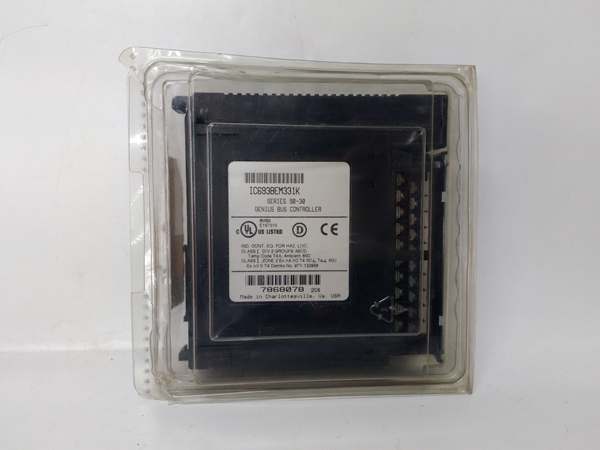
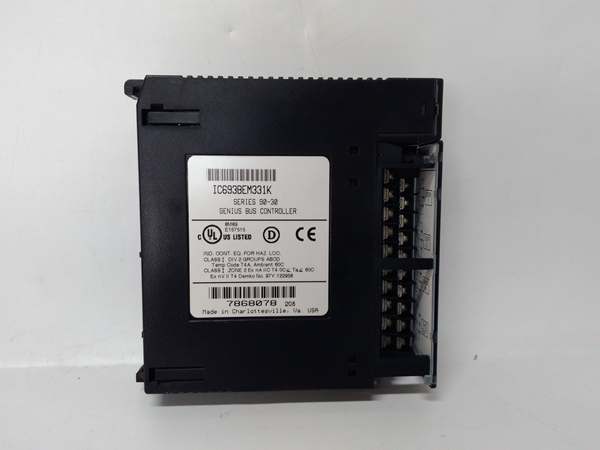
Description
System Architecture & Operational Principle
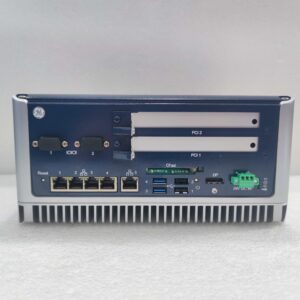
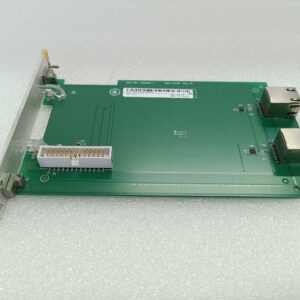
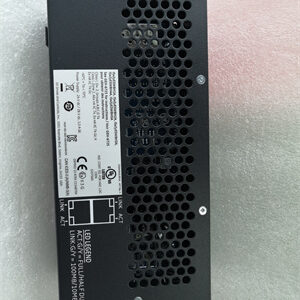
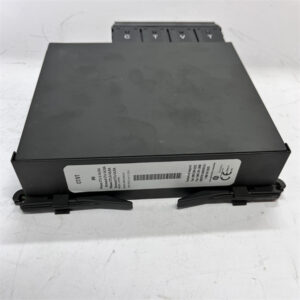
The IC693BEM331 is a critical component in GE Series 90-30 PLC systems, designed to enable distributed I/O architecture by bridging the PLC CPU with remote Genius I/O devices. It occupies Slot 1 of the PLC rack—a non-negotiable slot reserved for communication controllers—and connects to the Genius bus via a 9-pin D-shell connector.
Operational Workflow:
-
Bus Initialization: On power-up, the module performs self-diagnostics and initializes the Genius bus, detecting all connected devices (up to 31).
-
Data Scanning: The GBC continuously scans the Genius bus, collecting input data (e.g., from sensors, switches) from remote devices and transmitting output commands (e.g., to valves, motors) from the PLC.
-
Communication: It uses the FIP (Factory Instrumentation Protocol) at 1 MHz to ensure low-latency, deterministic data transfer between the PLC and remote I/O.
-
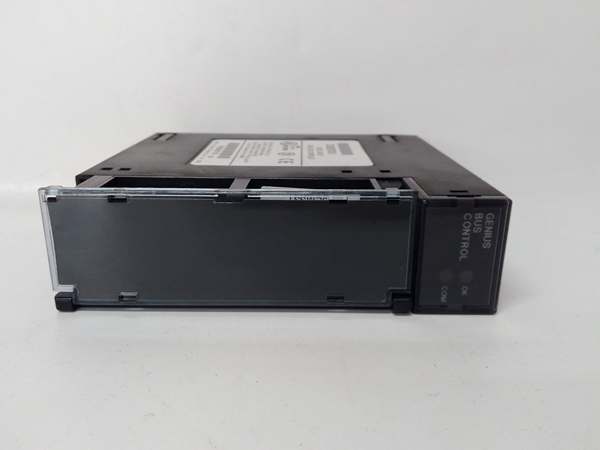
Fault Handling: The module reports bus faults (e.g., device failure, cable issues) to the PLC via status LEDs (OK, COM) and fault logs, enabling quick troubleshooting.
Architectural Advantage:
The IC693BEM331’s 1-slot design minimizes cabinet space, while its 1500 VAC RMS isolation blocks ground loops— a common issue in plants with mixed-voltage equipment. The 1 MHz FIP protocol ensures that even large distributed systems (e.g., 31 devices) maintain real-time performance, critical for process control applications like chemical reactors or assembly lines.

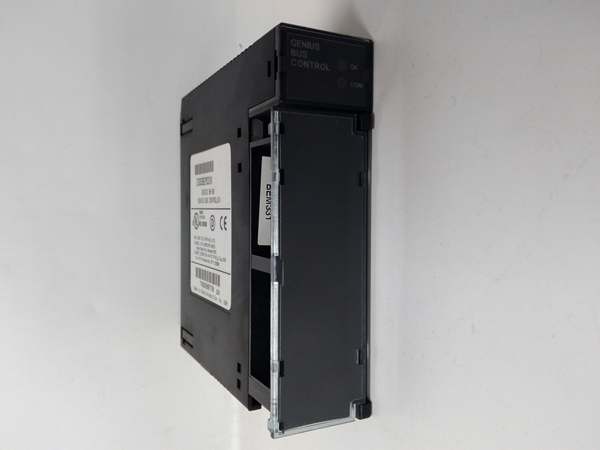
IC693BEM331
Core Technical Specifications
-
Slots Required: 1 (Slot 1, mandatory)
-
Bus Compatibility: Genius I/O bus (FIP protocol)
-
Max Devices Supported: 31 Genius devices per bus
-
Data Rate: 1 MHz (FIP)
-
Isolation: 1500 VAC RMS (field-to-logic)
-
Power Consumption: 609 mA @ +5 VDC (from PLC backplane)
-
LED Indicators:
-
OK: Steady on = module operational; off = power/firmware issue
-
COM: Steady on = active communication; blinking = intermittent bus error
-
-
Operating Temperature: 0°C to 60°C (32°F to 140°F)
-
Storage Temperature: -40°C to +85°C (-40°F to 185°F)
-
Compatibility: Series 90-30 CPUs (IC693CPU311K and above) with firmware 5.0+
Customer Value & Operational Benefits
Simplified Distributed I/O
By using the IC693BEM331, you can place remote I/O blocks near field devices (e.g., in a pump house or reactor skid), reducing wiring runs by 40-60% compared to centralized I/O. This cuts labor and material costs— for example, a refinery saved $12k on a retrofit by moving 16 analog inputs to a remote base.
Reduced Downtime
The module’s fault logging (stored in non-volatile memory) captures bus errors with timestamps. Pair this with SOE (Sequence of Events) data, and you can trace a remote I/O failure to a specific cable or device in minutes— slashing MTTR from hours to under 30.
Seamless Migration
As a drop-in replacement for the older IC693BEM330, the IC693BEM331 uses the same Slot 1 and connectors. I migrated a paper mill’s old scanner last year; the only change was updating the firmware via Logicmaster 90-30— no rewiring, no CPU swaps.
Scalability
With support for 31 devices per bus, the module scales with your system. Whether you’re adding a new production line or expanding an existing one, the IC693BEM331 can handle the growth without requiring a PLC upgrade.
Field Engineer’s Notes (From the Trenches)
Critical Installation Tip: The IC693BEM331 must be installed in Slot 1— no exceptions. I once saw a technician install it in Slot 2, and the module failed to communicate with the Genius bus. Always check the slot number before powering up.Cable Requirements: Use shielded twisted-pair (STP) cable for Genius bus connections— unshielded cable will pick up EMI from nearby motors or drives, causing communication errors. I recommend using Belden 8761 cable for Genius links.LED Diagnostics: If the OK LED is off, check the +5 VDC backplane power (use a multimeter on the PLC’s power supply). If the COM LED is blinking, inspect the Genius bus cable for damage— I’ve seen cracked insulation cause intermittent faults.Firmware Updates: Always use the latest firmware (version 5.0 or above) for compatibility with newer Series 90-30 CPUs. I learned this the hard way at a water treatment plant— an old firmware version caused the module to forget its configuration after a power cycle.
Real-World Applications
-
Chemical Processing: A chemical plant uses the IC693BEM331 to connect 12 remote I/O bases (48 temperature sensors, 16 valve actuators) to the PLC. The 1 MHz FIP protocol keeps reactor temperature within ±0.5°C— critical for product separation.
-
Automotive Assembly: An automotive line uses the module to manage 8 remote I/O modules (24 proximity sensors, 16 servo drive commands) for robotic arms. The low-latency communication ensures arms don’t collide, reducing scrap rate by 18%.
IC693BEM331
High-Frequency Troubleshooting FAQ
Q: Why is the OK LED off on my IC693BEM331?
A: The OK LED indicates module power and firmware status. If it’s off, first check the +5 VDC backplane power (measure voltage at the PLC’s power supply). If power is good, the firmware may be corrupted— reinstall firmware via Logicmaster 90-30.
Q: How do I add a new Genius device to the bus?
A: Use a Genius Hand-Held Monitor (HHM) to assign a unique address to the new device. Then, update the IC693BEM331’s configuration in Logicmaster 90-30 to recognize the device. Reboot the PLC to apply changes.
Q: Can I use the IC693BEM331 with a Series 90-70 PLC?
A: No— the IC693BEM331 is designed for Series 90-30 PLCs. For Series 90-70, use the IC694BEM331 (a compatible Genius bus controller).
Q: What does a blinking COM LED mean?
A: A blinking COM LED indicates intermittent communication on the Genius bus. Check the bus cable for damage (e.g., cracked insulation) or loose connections. If the cable is good, test the Genius device with a HHM to rule out设备故障.
Commercial Availability & Pricing
Please note: The listed price is not the actual final price. It is for reference only and is subject to appropriate negotiation based on current market conditions, quantity, and availability.