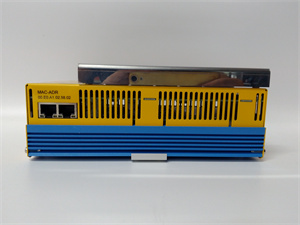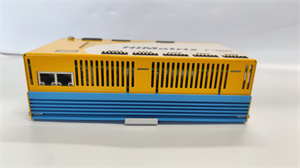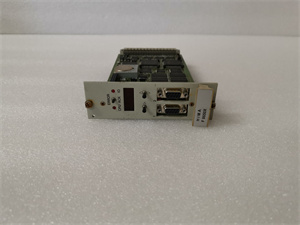
Description
System Architecture & Operational Principle
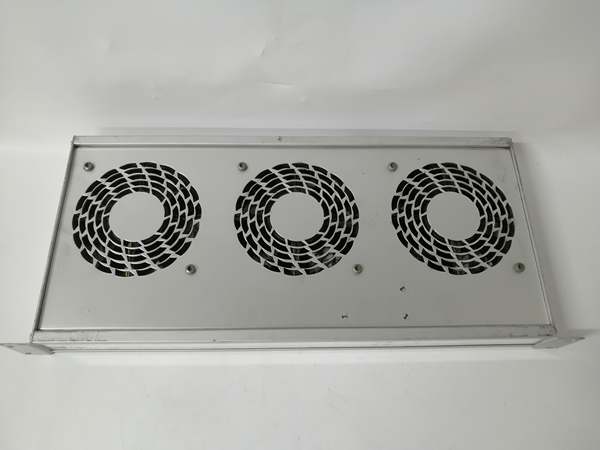
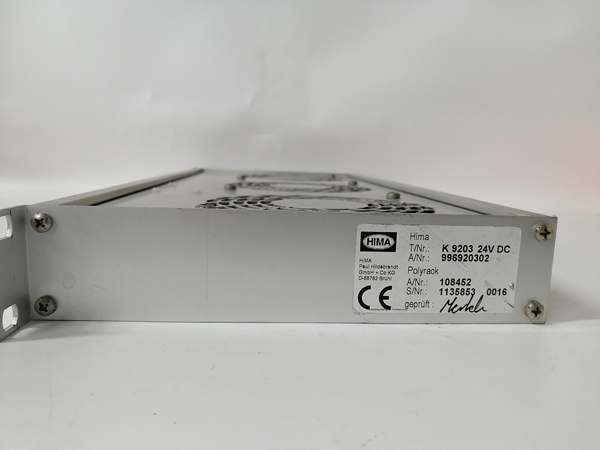
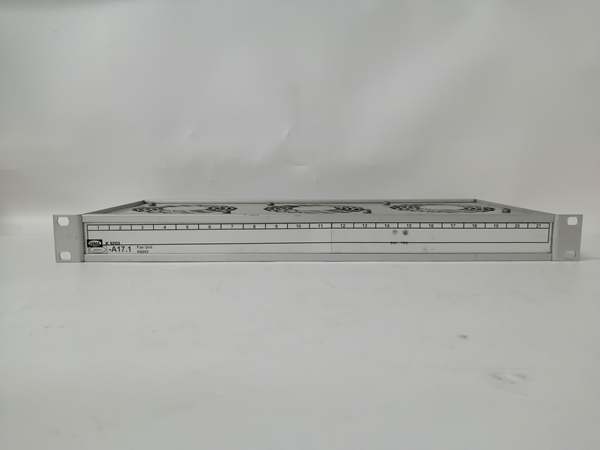
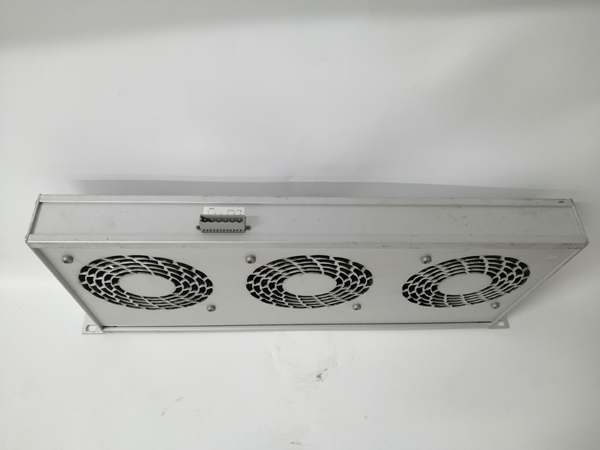
The HIMA K9203 is a 19-inch rack circulation fan unit designed for Level 1 (Device) or Level 2 (Control) of the Purdue Model in industrial automation. It resides in 19-inch standard racks (1 RU height) alongside HIMA safety controllers (e.g., F30, F60 series) and I/O modules, serving as the critical thermal management component for these systems.
Upstream Communication
Receives 24V DC power from the rack’s power supply (redundant power inputs ensure continuous operation if one source fails). The fan unit uses this power to drive its 3-axis fan array, which pulls cool air from the bottom of the rack and pushes it upward through the module stack.
Downstream Communication
Transmits cool air to HIMA safety controllers and I/O modules, dissipating heat generated during operation. The fan unit also includes runtime monitoring (via a tachometer signal) to alert the DCS if fan speed drops below a threshold (75%–85% of rated speed), indicating a potential failure.
Operational Advantages
-
High Airflow: 300 m³/h max airflow effectively cools high-density module configurations, preventing overheating in 19-inch racks.
-
Redundant Power: Supports dual power inputs to ensure continuous operation, critical for safety systems that require 24/7 uptime.
-
Wide Temperature Range: Operates reliably in -20°C to +70°C environments, making it suitable for harsh industrial settings (e.g., outdoor control rooms, refineries).
Core Technical Specifications
|
Attribute
|
Specification
|
|---|---|
|
Fan Type
|
3-axis axial fans (brushless DC motors)
|
|
Power Supply
|
24V DC (redundant inputs supported)
|
|
Airflow
|
Max 300 m³/h (at 24V DC)
|
|
Operating Temperature
|
-20°C to +70°C (-4°F to 158°F)
|
|
Rack Compatibility
|
19-inch standard racks (1 RU height)
|
|
Monitoring
|
Tachometer signal (fan speed); overcurrent protection
|
|
Expected Lifetime
|
62,500 hours (at 40°C ambient temperature)
|
|
Weight
|
~1.8 kg (4 lbs)
|
|
Certifications
|
CE, UL, CSA, ATEX (Ex nA IIC T4)
|
HIMA K9203
Customer Value & Operational Benefits
Enhanced System Reliability
The K9203’s forced-air cooling prevents HIMA safety controllers and I/O modules from overheating, which could lead to system failures or safety breaches. For example, a refinery using the K9203 in its SIS reported a 99.9% uptime for its safety systems, eliminating costly shutdowns due to thermal issues.
Reduced Maintenance Costs
The fan unit’s hot-swappable design allows technicians to replace it without removing the entire rack, minimizing downtime during maintenance. A chemical plant using the K9203 reduced maintenance time by 50% compared to traditional cooling solutions.
Cost-Effective Thermal Management
The K9203’s high airflow and redundant power design eliminate the need for additional cooling systems (e.g., air conditioners), reducing installation and operational costs. For a power plant, this translated to a 20% reduction in cooling-related expenses.
Field Engineer’s Notes (From the Trenches)
When installing the K9203, always verify the rack’s airflow path—ensure the bottom of the rack has adequate intake vents and the top has exhaust vents to maximize cooling efficiency. I once saw a site where the rack was placed in a confined space with blocked vents, resulting in overheating despite the K9203 running at full speed.Another gotcha: check the fan’s tachometer signal—the DCS uses this signal to monitor fan speed. If the signal is missing or erratic, the DCS will trigger a “fan failure” alarm. Use a multimeter to test the tachometer output (should be 5V DC at rated speed).If the K9203’s “FAULT” LED is red, check the power supply first—ensure both redundant power inputs are delivering 24V DC. I’ve fixed countless “fan failure” alarms by replacing a faulty power supply.
Real-World Applications
-
Petrochemical Refineries: Used to cool HIMA F30 series safety controllers in 19-inch racks, ensuring reliable operation of emergency shutdown systems (ESD).
-
Power Plants: Installed in turbine control rooms to cool HIMA I/O modules, preventing overheating during peak load periods.
-
Water Treatment Facilities: Deployed in pump control racks to cool HIMA safety relays, ensuring continuous operation of critical pumps.

HIMA K9203
High-Frequency Troubleshooting FAQ
Q: What does the “FAULT” LED indicate on the K9203?
A: The red “FAULT” LED indicates a critical error, such as:
-
Power Supply Failure: One or both redundant power inputs are not delivering 24V DC.
-
Fan Speed Below Threshold: The tachometer signal indicates fan speed is below 75% of rated speed (possible fan failure or obstruction).
-
Overcurrent: The fan motor is drawing more current than the rated value (possible blockage or motor failure).Check the power supply and fan tachometer signal first. If the power supply is okay, replace the fan unit.
Q: Can the K9203 be used with non-HIMA racks?
A: Yes, the K9203 is compatible with any 19-inch standard rack. However, ensure the rack has adequate airflow (intake/exhaust vents) to maximize cooling efficiency.
Q: How do I replace the K9203?
A: Follow these steps:
-
Power Down: Turn off the rack’s power supply.
-
Remove Old Fan: Unscrew the K9203 from the rack (use a Phillips screwdriver).
-
Install New Fan: Secure the new K9203 to the rack and tighten the screws.
-
Power Up: Turn on the power supply and verify the fan’s operation (check the “OK” LED).
Q: Why is the K9203 not cooling the rack?
A: Check three things first:
-
Airflow Path: Ensure the rack’s intake and exhaust vents are not blocked.
-
Fan Speed: Use a multimeter to test the tachometer signal (should be 5V DC at rated speed).
-
Power Supply: Verify the power supply is delivering 24V DC to the K9203.
Commercial Availability & Pricing
Please note: The listed price is not the actual final price. It is for reference only and is subject to appropriate negotiation based on current market conditions, quantity, and availability.