Description
System Architecture & Operational Principle
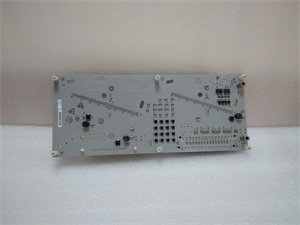
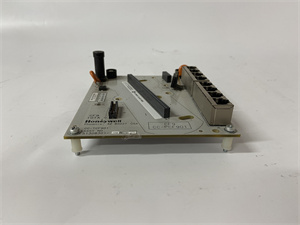
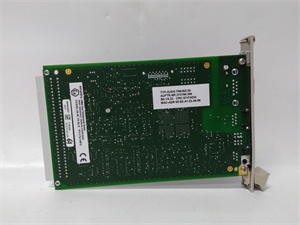
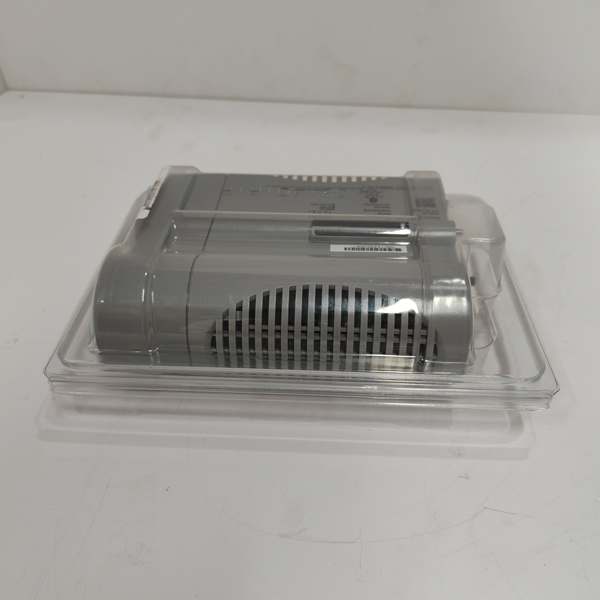
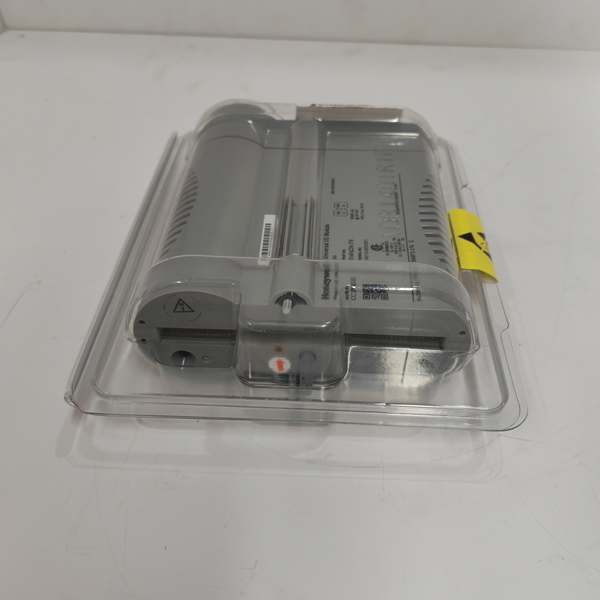
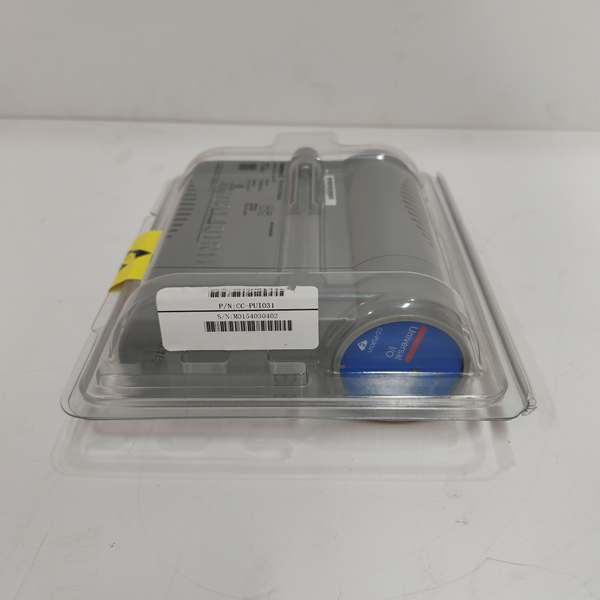
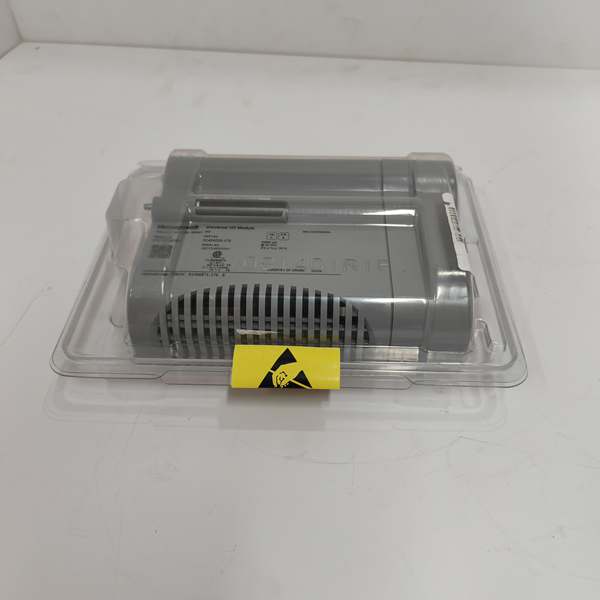
The Honeywell CC-PUIO31 is a universal I/O module within the Honeywell Experion PKS ecosystem, designed for Level 1 (Device) or Level 2 (Control) of the Purdue Model in industrial automation. It resides in the Experion PKS I/O rack (either non-redundant 9” or redundant 12” IOTA chassis) and serves as the bridge between field devices (e.g., pressure transmitters, valve positioners) and the C300 controller (the core of the Experion PKS).
Upstream Communication
Receives analog/digital signals from field devices via 32 configurable channels. The module supports:
-
Analog Inputs: 4-20mA current loops (with HART 7 support for diagnostics);
-
Digital Inputs: 24V DC signals (with 1ms Sequence of Events (SOE) resolution);
-
Pulse Inputs: Up to 15kHz frequency (for flow meter integration).
Downstream Communication
Transmits processed data to the C300 controller via the I/O Link (a high-speed serial bus). The module also supports HART protocol for bidirectional communication with smart field devices, enabling remote configuration (e.g., calibrating a transmitter) or diagnostics (e.g., checking device health) without interrupting the analog signal.
Operational Advantages
-
Universal Channel Configuration: Each channel can be independently set as analog input/output or digital input/output, reducing the need for multiple module types.
-
HART Integration: Combines analog signal acquisition with digital diagnostics, reducing manual field visits and enabling predictive maintenance.
-
Hot-Swappable Design: Allows replacement without system shutdown, minimizing downtime during maintenance.

Honeywell CC-PUIO31
Core Technical Specifications
|
Attribute
|
Specification
|
|---|---|
|
Channels
|
32 configurable (analog/digital/pulse)
|
|
Analog Input Range
|
4-20mA (250Ω impedance); 0-10V DC
|
|
Analog Output Range
|
4-20mA (max 825Ω load); 0-10V DC
|
|
Digital I/O
|
24V DC (input: 1ms SOE; output: 0.5A max per channel)
|
|
Pulse Input
|
Up to 15kHz frequency; 25µs minimum pulse width
|
|
Communication Protocols
|
HART 7, Modbus RTU, Ethernet/IP
|
|
Power Supply
|
24V DC ±10% (from I/O rack)
|
|
Operating Temperature
|
-40°C to +70°C (-40°F to 158°F)
|
|
Isolation
|
1500V DC channel-to-bus
|
|
Dimensions (W×H×D)
|
~180mm × 120mm × 65mm (7.1 in × 4.7 in × 2.6 in) (estimated)
|
|
Weight
|
~1.0 kg (2.2 lbs)
|
|
Certifications
|
CE, UL, ATEX, IECEx
|
|
Compatibility
|
Experion PKS R400+; C300 controller family; legacy TDC 3000 systems (via gateway)
|
Customer Value & Operational Benefits
Enhanced Flexibility
The CC-PUIO31’s universal channel configuration eliminates the need for separate analog and digital I/O modules, reducing cabinet space and inventory costs. For example, a chemical plant using the module to monitor reactor temperature (analog input) and control a valve (digital output) can consolidate both signals into a single module.
Improved Diagnostics
HART protocol support enables remote configuration and troubleshooting of field devices, reducing the need for on-site visits. A refinery using the CC-PUIO31 reported a 30% reduction in maintenance time for pressure transmitters, as technicians could calibrate the devices from the control room.
Reduced Downtime
The hot-swappable design allows technicians to replace a faulty module without shutting down the system. A power plant using the CC-PUIO31 reduced maintenance downtime by 50% compared to traditional I/O modules.
Compliance with Industry Standards
The module’s ATEX and IECEx certifications ensure it meets the rigorous safety requirements of hazardous environments (e.g., oil refineries, chemical plants).
Field Engineer’s Notes (From the Trenches)
When installing the CC-PUIO31, always use shielded twisted-pair (STP) cables for analog signals—unshielded cables can pick up EMI from nearby power lines, leading to inaccurate readings. I once saw a site where a contractor used unshielded cables, resulting in a 2% error in pressure measurements. Switching to STP cables eliminated the problem immediately.Another gotcha: verify the channel configuration—each channel must be set to the correct type (analog/digital) in the Experion software. I’ve fixed countless “no signal” errors by correcting the channel configuration.If the module’s “FAULT” LED is red, check the power supply first—the 24V DC input must be within ±10% of the nominal value. I’ve fixed countless “fault” errors by replacing a faulty power supply or tightening loose connections.Honeywell CC-PUIO31
Real-World Applications
-
Oil Refinery: Distillation Column MonitoringAn oil refinery uses the CC-PUIO31 to monitor the pressure and temperature of its crude oil distillation columns. The module acquires 4-20mA signals from pressure transmitters and temperature sensors, transmitting the data to the C300 controller. The controller uses this data to adjust the reflux ratio, optimizing gasoline yield.
-
Chemical Plant: Reactor Temperature ControlA chemical plant uses the CC-PUIO31 to monitor the temperature of its polymerization reactor. The module receives signals from thermocouples (analog input) and adjusts the flow of cooling water (digital output) to maintain the optimal temperature.
-
Power Generation: Turbine Speed ControlA power plant uses the CC-PUIO31 to control the speed of its gas turbines. The module receives signals from speed sensors (pulse input) and adjusts the fuel flow (analog output) to maintain a constant speed.
High-Frequency Troubleshooting FAQ
Q: What does the “FAULT” LED indicate on the CC-PUIO31?
A: The red “FAULT” LED indicates a critical error, such as:
-
Power Supply Failure: The 24V DC input is missing or outside the ±10% tolerance range.
-
Channel Overload: The input voltage exceeds the module’s rating (e.g., 30V DC for analog inputs).
-
HART Communication Error: The module cannot communicate with a HART-enabled device (e.g., duplicate address, faulty device).Check the Experion PKS diagnostic software for detailed fault codes and follow the manufacturer’s troubleshooting steps.
Q: Can the CC-PUIO31 be used with non-Experion PKS systems?
A: No, the CC-PUIO31 is designed exclusively for Honeywell Experion PKS systems. It relies on the Experion architecture for I/O communication and controller integration, so using it with non-Experion systems will result in compatibility issues.
Q: How do I replace a faulty CC-PUIO31?
A: Follow these steps:
-
Power Down: Turn off the power to the I/O rack (via the main circuit breaker).
-
Remove Old Module: Unscrew the module from the IOTA chassis (use a Phillips screwdriver) and disconnect the field wiring (label the wires to avoid confusion).
-
Install New Module: Insert the new CC-PUIO31 into the IOTA chassis and tighten the screws.
-
Reconnect Wiring: Reconnect the field wiring to the new module (match the labels from step 2).
-
Power Up: Turn on the power to the rack and verify the module’s operation (check the “OK” LED).
Q: Why is the CC-PUIO31 not receiving signals from a field device?
A: Check three things first:
-
Wiring: Verify that the STP cable is connected correctly (positive to positive, negative to negative) and that the shield is grounded.
-
Channel Configuration: Use the Experion software to confirm that the channel is set to the correct type (analog/digital).
-
Field Device Power: Ensure the field device (e.g., transmitter) is powered on and functioning correctly.
Commercial Availability & Pricing
Please note: The listed price is not the actual final price. It is for reference only and is subject to appropriate negotiation based on current market conditions, quantity, and availability.