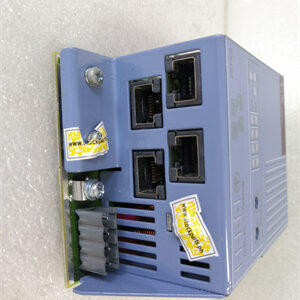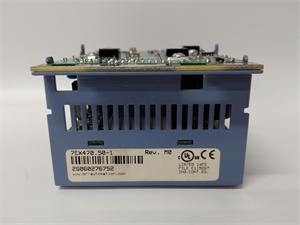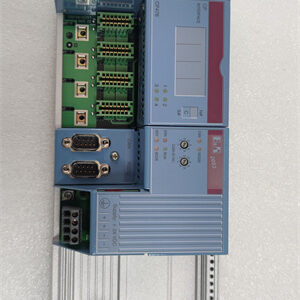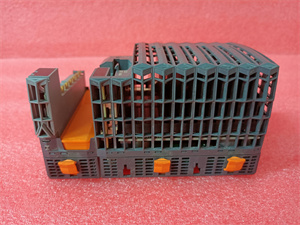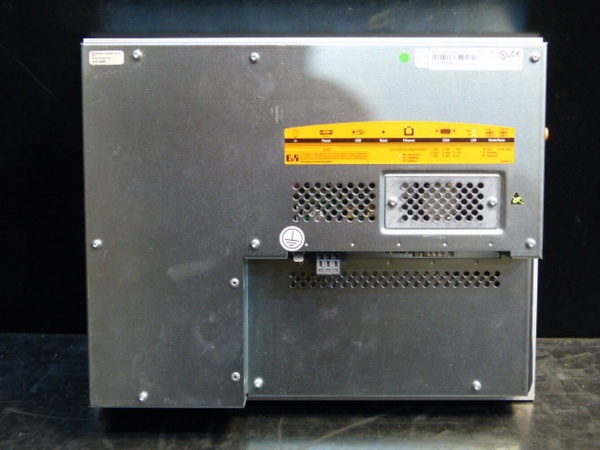
Description
System Architecture & Operational Principle
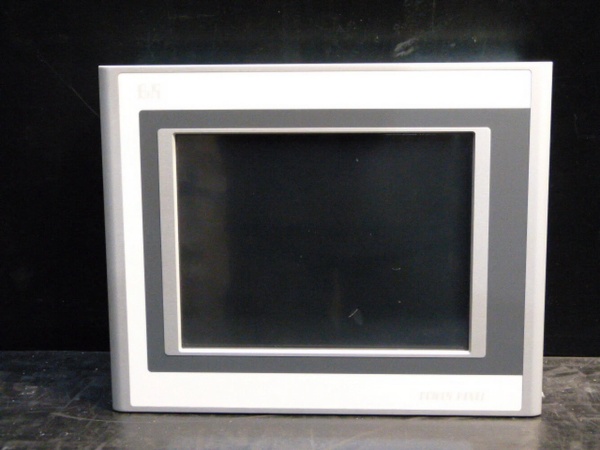
The B&R 5PP120.1214-37A is a 12.1-inch resistive touch screen HMI panel belonging to the Power Panel 120 series, designed for Level 2 (Control) or Level 3 (Operations) of the Purdue Model in industrial automation systems. It acts as the central interface between human operators and lower-level control devices (e.g., PLCs, motor drives), bridging manual input with automated process execution.
Upstream Communication
Receives command signals and data from external control systems (e.g., B&R PLCs, Siemens S7-1200) via:
-
Ethernet: 10/100 Mbps port supporting Modbus TCP/IP, EtherNet/IP, or OPC UA protocols for high-speed data exchange with SCADA or ERP systems.
-
Serial: RS232 port for legacy device integration (e.g., older PLCs, barcode scanners) using Modbus RTU or ASCII protocols.
These signals are processed by the HMI’s internal microprocessor to update the graphical interface (e.g., displaying process variables like temperature, pressure, or motor speed).
Downstream Communication
Transmits operator inputs (e.g., setpoint adjustments, start/stop commands) back to the control system using the same protocols. The HMI also sends real-time data (e.g., alarm statuses, production counts) to external systems for logging or analysis.
Operational Advantages
-
High-Resolution Display: The 12.1″ SVGA (800×600) color TFT display provides a clear, detailed graphical interface, reducing operator error and improving situational awareness.
-
Multiple Communication Options: Support for Ethernet and serial protocols ensures compatibility with a wide range of control systems, making it suitable for both new installations and legacy upgrades.
-
Rugged Design: The panel’s metal housing and IP65 front protection (when mounted correctly) protect against dust, moisture, and accidental contact, ensuring reliable operation in harsh industrial environments.

B&R 5PP120.1214-37A
Core Technical Specifications
|
Attribute
|
Specification
|
|---|---|
|
Display
|
12.1″ SVGA color TFT (800×600 pixels); resistive touch screen (1024×1024 resolution)
|
|
Memory
|
128 MB SDRAM
|
|
Storage
|
CompactFlash (Type I) slot for program/data backup
|
|
Communication Ports
|
1x Ethernet (10/100 Mbps); 1x RS232; 2x USB (Type A)
|
|
Power Supply
|
24 VDC (18-32 VDC range); maximum power consumption: 15W
|
|
Operating Temperature
|
0°C to 50°C (32°F to 122°F)
|
|
Storage Temperature
|
-20°C to 60°C (-4°F to 140°F)
|
|
Protection Rating
|
IP65 (front side); NEMA 4X (when mounted in a sealed enclosure)
|
|
Dimensions
|
12.1″ (W) x 9.5″ (H) x 2.5″ (D) (approximate)
|
|
Weight
|
8.8 lbs (4.0 kg)
|
|
Certifications
|
CE, UL, cUL, RoHS
|
Customer Value & Operational Benefits
Improved Operator Efficiency
The 5PP120.1214-37A’s high-resolution display and intuitive resistive touch interface allow operators to quickly access critical process data (e.g., alarm lists, trend graphs) and adjust parameters (e.g., setpoints, recipes) with minimal training. This reduces the time spent on manual tasks and improves response times to process deviations.
Seamless Integration with Existing Systems
With support for multiple communication protocols (Ethernet, serial), the HMI can be easily integrated into existing automation systems without requiring costly upgrades. For example, a manufacturing plant using B&R PLCs can connect the 5PP120.1214-37A via Ethernet (Modbus TCP/IP) to monitor and control the production line.
Reduced Downtime with Rugged Design
The IP65 front protection and metal housing ensure the HMI can withstand harsh industrial environments (e.g., dust from conveyor systems, moisture from washdown areas), reducing the risk of damage and downtime. This is particularly important for 24/7 operations where even a short outage can result in significant production losses.
Cost-Effective Solution
Compared to larger HMI panels in its class, the 5PP120.1214-37A offers a balance of features and affordability. Its CompactFlash slot allows for easy program updates, reducing long-term maintenance costs and making it a cost-effective choice for small to medium-sized businesses.
B&R 5PP120.1214-37A
Field Engineer’s Notes (From the Trenches)
When installing the 5PP120.1214-37A, always verify the power supply voltage—the panel requires 24 VDC, and using a higher voltage (e.g., 120 VAC) will damage the internal circuitry. I once saw a site where a contractor accidentally connected the HMI to a 120 VAC supply, resulting in a fried power supply and a 4-hour downtime. Use a multimeter to confirm the voltage before plugging in the panel.Another gotcha: ground the panel properly—the IP65 rating requires a proper ground connection to protect against electric shock and EMI. I’ve fixed countless “ghost” faults (e.g., random screen freezes) by ensuring the panel’s ground wire is connected to the cabinet’s earth ground.If the touch screen becomes unresponsive, clean it with a dry, lint-free cloth—dust or fingerprints can interfere with the resistive touch layer. If that doesn’t work, recalibrate the screen using the HMI’s built-in utility (accessed via the “Settings” menu). Avoid using chemical cleaners, as they can damage the screen’s protective coating.
Real-World Applications
-
Manufacturing: Assembly Line MonitoringThe 5PP120.1214-37A is used as the operator interface for a car assembly line, connected to a B&R PLC via Ethernet (Modbus TCP/IP). It displays real-time data (e.g., vehicle count, weld quality) and allows operators to adjust the line speed or stop the line in case of a fault. The 12.1″ display provides a clear view of the entire process, reducing the need for multiple monitors.
-
Water Treatment: Pump Station ControlIn a water treatment plant, the 5PP120.1214-37A is installed in a pump station control cabinet to monitor pump status (e.g., on/off, flow rate) and adjust pump speeds via a Siemens S7-1200 PLC. The RS232 port is used to connect to flow meters and pressure sensors, while the Ethernet port sends data to the plant’s SCADA system for remote monitoring.
High-Frequency Troubleshooting FAQ
Q: What are the common LED indicators on the 5PP120.1214-37A, and what do they mean?
A: The 5PP120.1214-37A has two LED indicators on the front panel:
-
Power (Green): On when the panel is receiving 24 VDC power.
-
Communication (Yellow): Blinks when data is being transmitted/received via Ethernet or serial ports. If it stays solid, there’s a communication fault (e.g., no connection to the PLC). Check the Ethernet cable, IP address, or serial port settings.
Q: Can the 5PP120.1214-37A be used with non-B&R PLCs?
A: Yes, the 5PP120.1214-37A supports standard industrial protocols (Modbus TCP/IP, EtherNet/IP, Modbus RTU), making it compatible with most PLCs (e.g., Siemens, Allen-Bradley, Mitsubishi). For example, to connect to a Siemens S7-1200 PLC, use Modbus TCP/IP—configure the HMI as a Modbus client and the PLC as a server.
Q: How do I update the HMI program on the 5PP120.1214-37A?
A: Use the CompactFlash slot to transfer the updated program file from a PC to the HMI. Insert a CompactFlash card (formatted as FAT32) into the slot, then use the HMI’s “File Manager” to import the program. The panel will reboot automatically to load the new program.
Q: Why is the 5PP120.1214-37A’s screen blank?
A: Check three things first:
-
Power Supply: Ensure the 24 VDC power supply is connected and the voltage is within the 18-32 VDC range (use a multimeter to measure).
-
Backlight: The LED backlight may have failed—try shining a flashlight on the screen to see if there’s a faint image. If so, replace the backlight (contact B&R for parts).
-
Display Cable: The internal display cable may be loose—turn off the panel and check the cable connections (refer to the user manual for disassembly instructions).
Commercial Availability & Pricing
Please note: The listed price is not the actual final price. It is for reference only and is subject to appropriate negotiation based on current market conditions, quantity, and availability.